Night Train

the last stop

Intrigue grips you as strange text messages flood your phone after your sister mysteriously vanishes. Determined to unravel the truth, you embark on a haunting journey to Tokyo, entrusting these cryptic messages to guide you to her fate. Will Tokyo's secrets reveal the chilling reality behind her disappearance?

UI Design

Technical UI

Blueprints

Mockups
Background

This UI project was created as a 8-week individual graduation school project. The main focus of this project was on technical UI implementation and UI Design.

Tools

Unreal Engine 5

Blueprints

Figma

Github

Info

Solo Project

8 Weeks

Graduation Project

Concept

Before beginning the project a project brief was created to aid in planning and scoping of the project. The game idea and concept was shaped to guide and inspire the design process.

Project Brief

The project brief was created to serve as a foundation for the project. I created a concept to work off and generated ideas, created moodboards for inspiration, decided upon a game genre and laid out other details. I determined the scope of the project and decided to focus on the menus to keep the project a reasonable size to execute within the time frame.

Narrative

The game genre was decided as a narrative driven horror game, divided into chapters. I created a short story summary to set a scene for the game and get an idea of the world building.

Japanese

The idea was for the game to be in Japanese as it takes place in a future version of Tokyo. I wanted the UI to appear translated while the original titles were kept in Japanese.

Tech Noir

For the general theme of the game I was initially inspired by cyberpunk and horror games and landed somewhere in tech noir. The theme directly influenced the style of the UI.

UI Design

In the first phase of the project the UI design was established and the style, layout and flow was developed. The final design system and assets were created for implementation.

Mockups

I began my design process by creating mockups that matched the style and feel of the game, testing out different layouts, colors and fonts. I used the mockups to compare the implemented UI in engine to and to quickly test design changes.

Design Iterations

The design was continuously updated and changed as the project went on to improve on both the usability and visual design. Technical limitations or difficulties also influenced some of the more visual design choices.

Colors

For this project I worked solely in white and played with opacity throughout the design. Blurs were used minimally and shadows were added by hand to support gradients.

#FFFFFF

Simple White

Fonts

Inspired by tech noir I wanted fonts in a code style that felt modern. It was also important for the fonts to support the Japanese language. I paired two different monospaced fonts, one mainly used for titles. Japanese speakers were consulted for translation of final titles and regarding any display of text to avoid ruining the readability or breaking language rules.

KOSUGI

CASCADIA CODE

Implementation

After designing the UI it was time to take it into the engine and bring it to life. This included the project setup, technical implementation and solutions, blueprinting, creation of assets, animations, debugging and final polish.

Dynamic UI

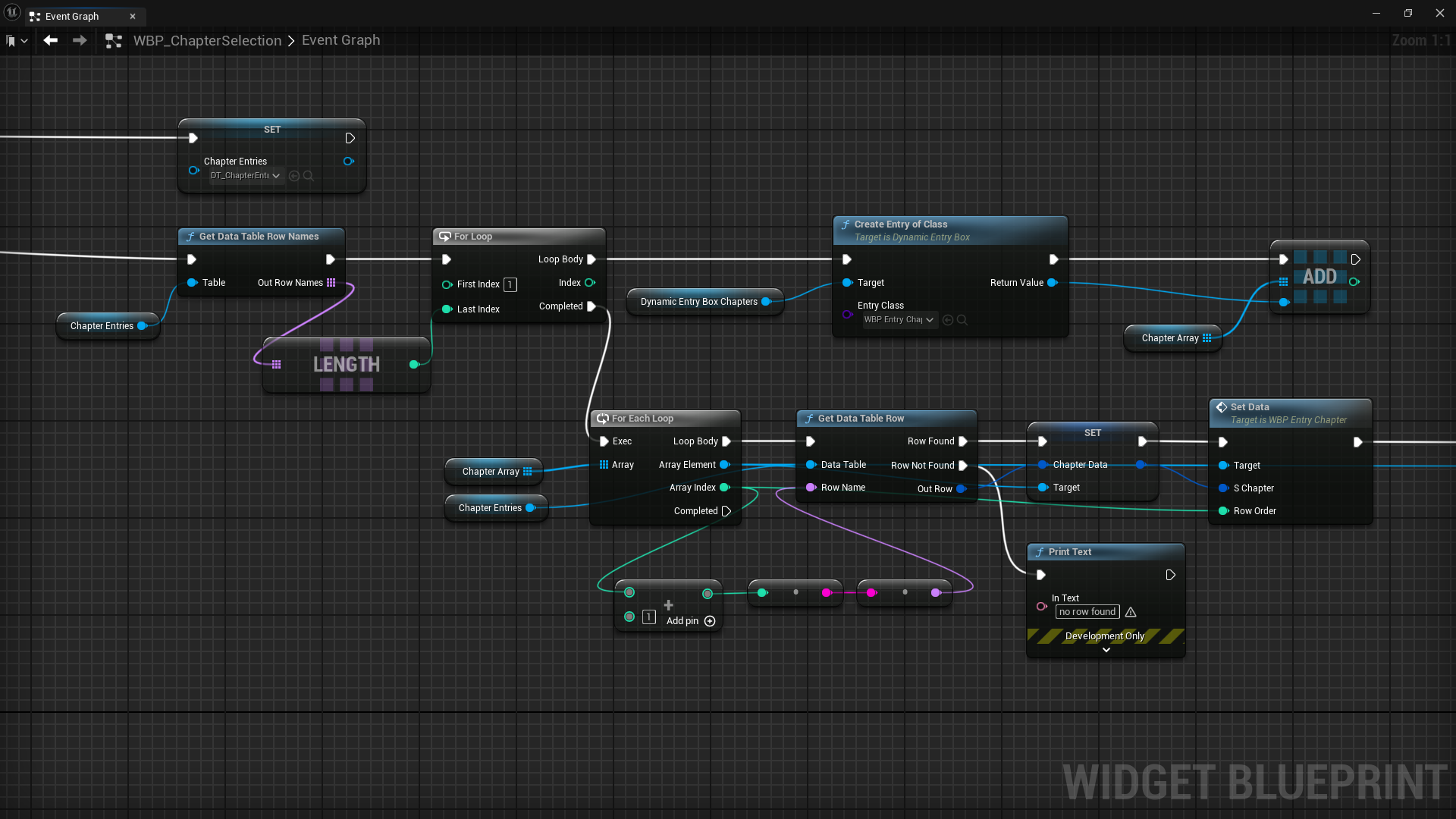
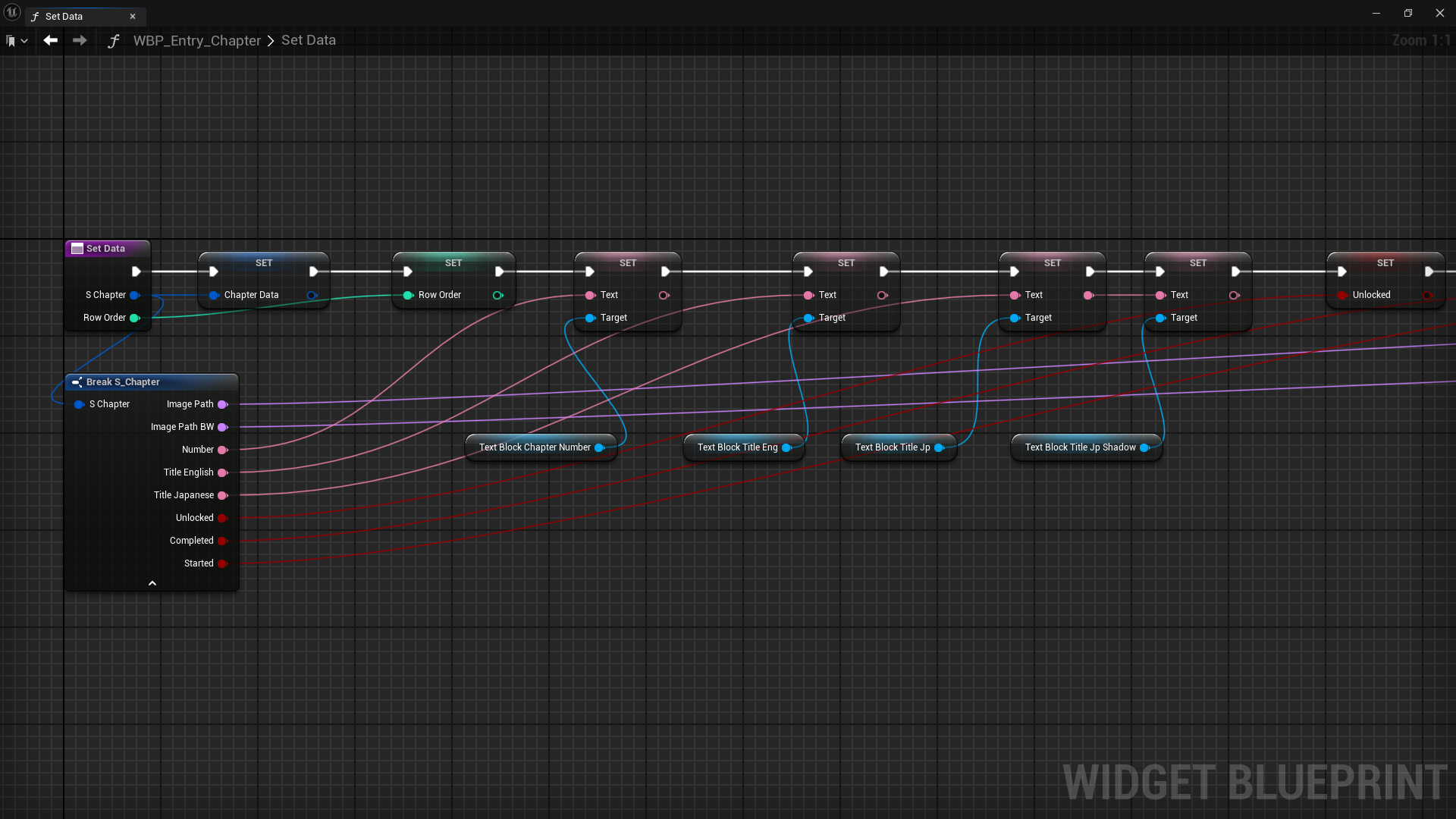
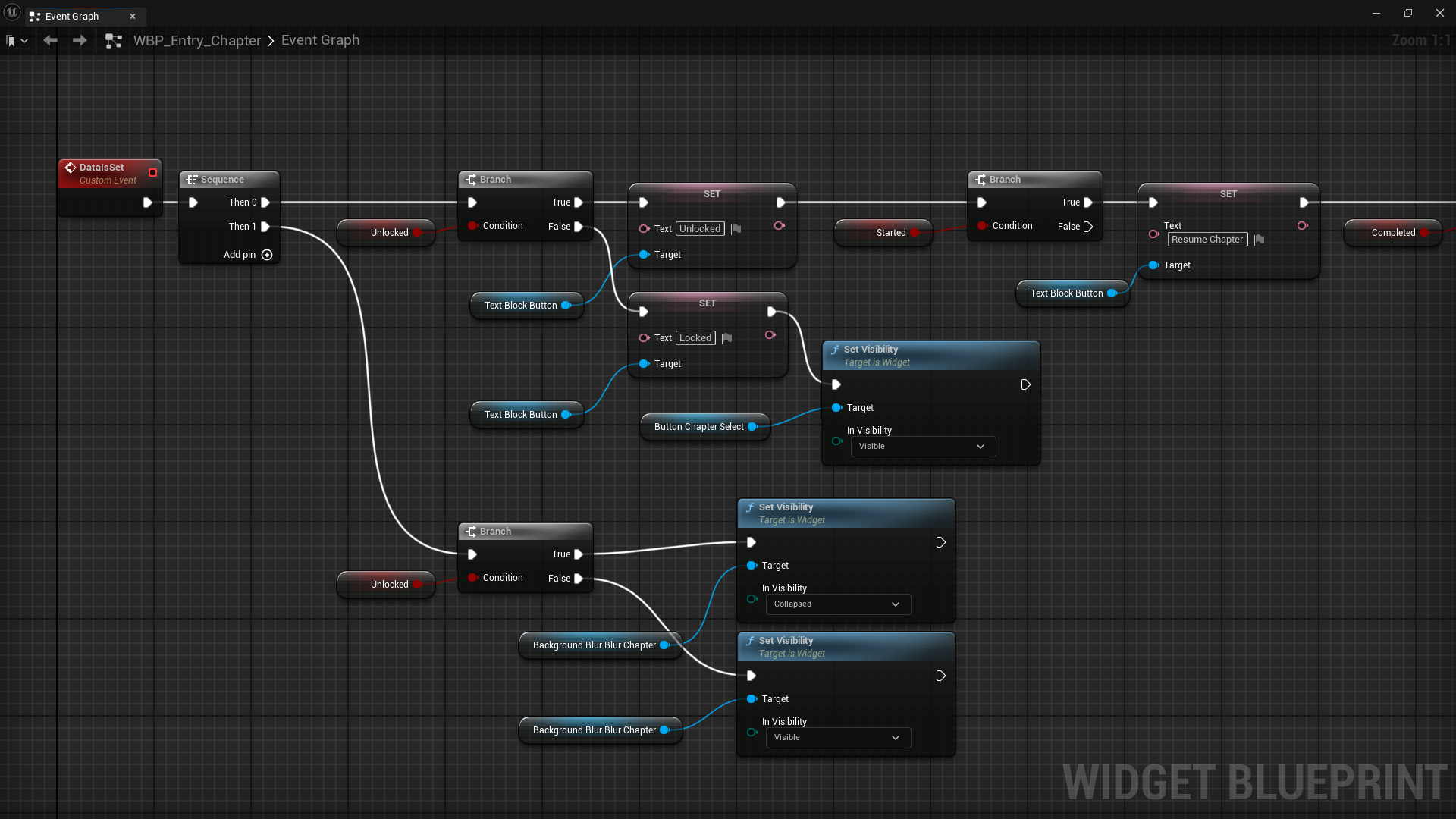
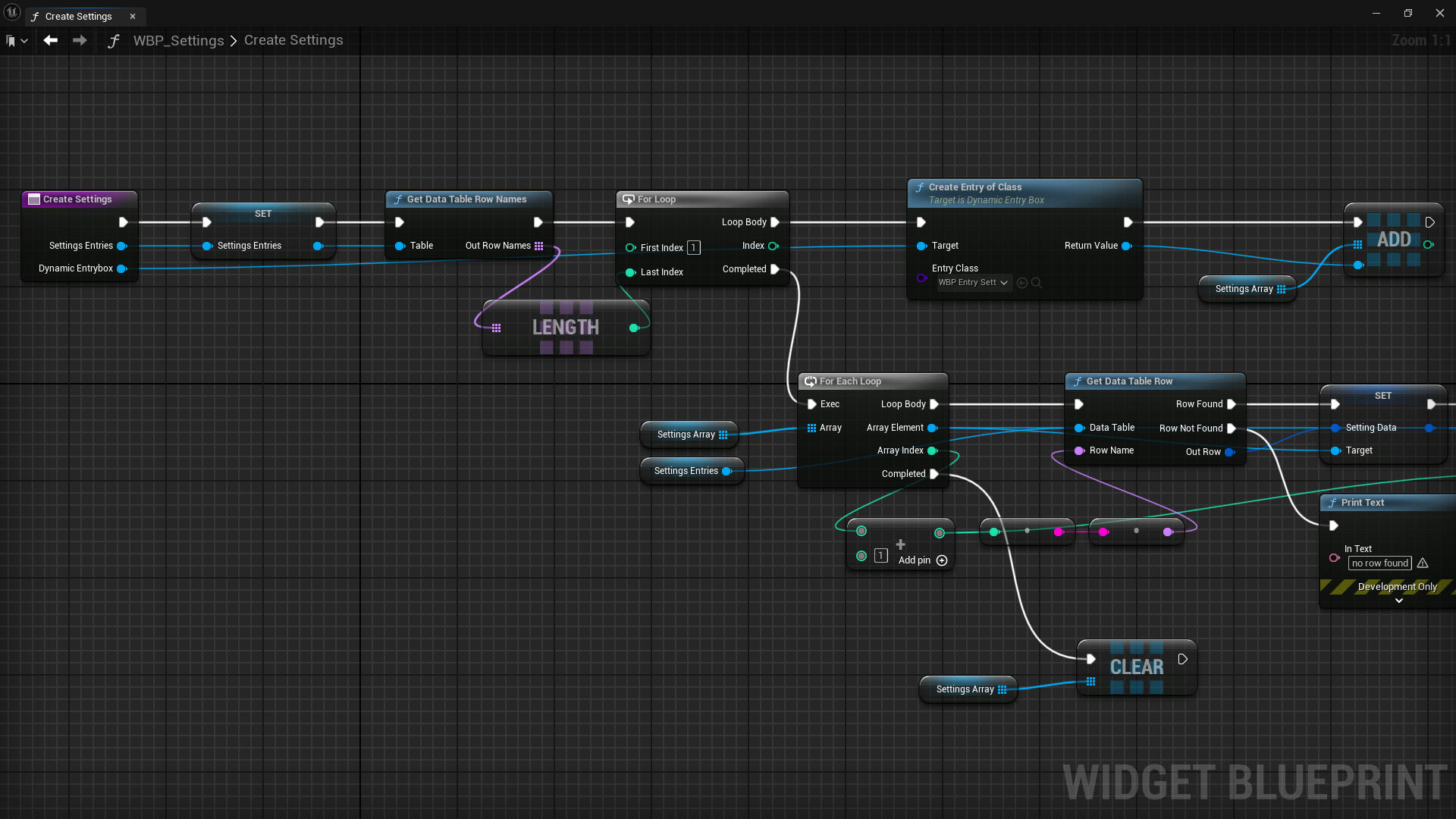
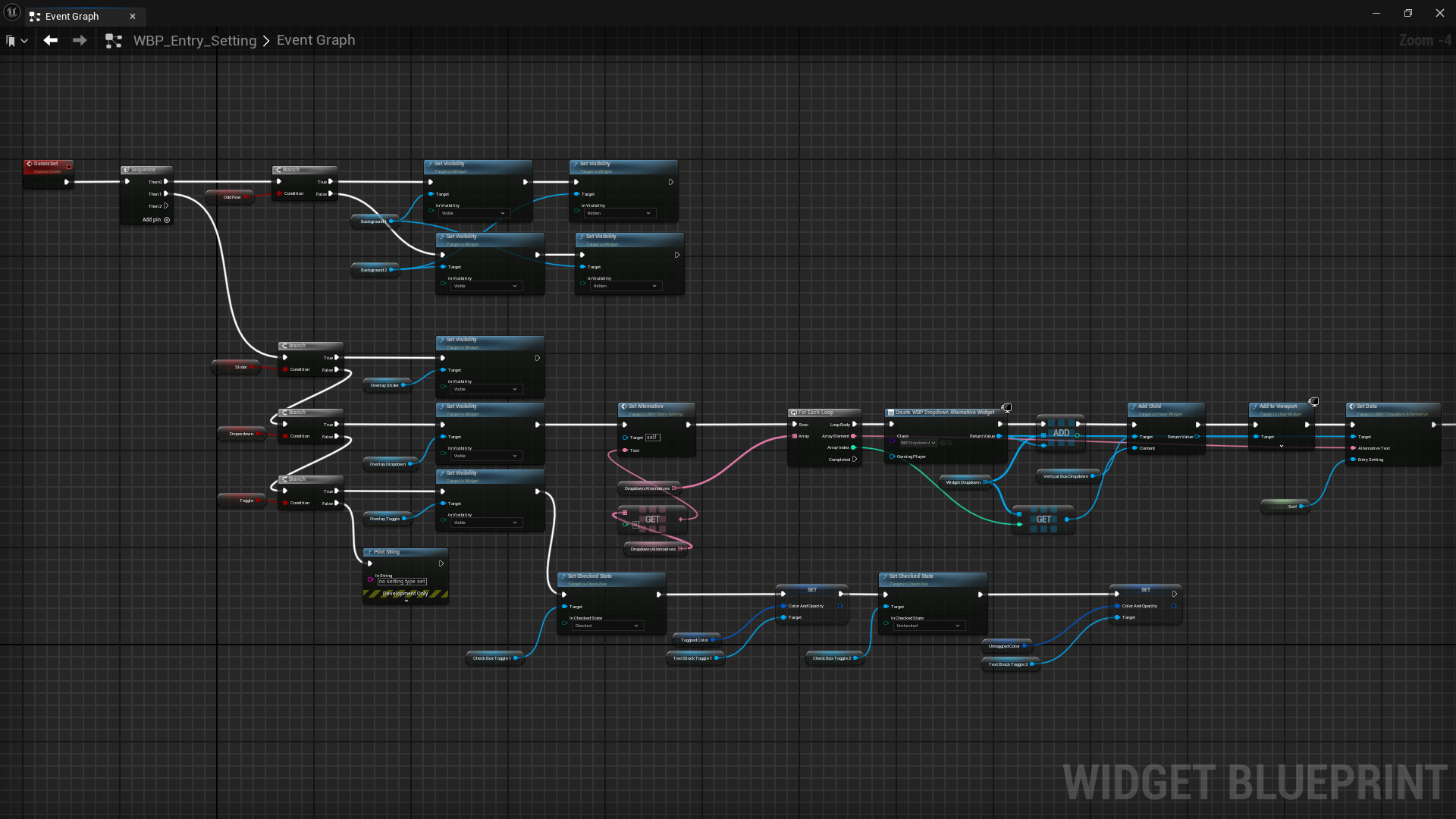
The main challenge was to make the UI adjust dynamically to content. I wanted to create an expandable solution by reusing widget assets and loading content and images from data tables. This would in the long run allow for easy addition and editing of content, reduce implementation time and ensure design consistency.

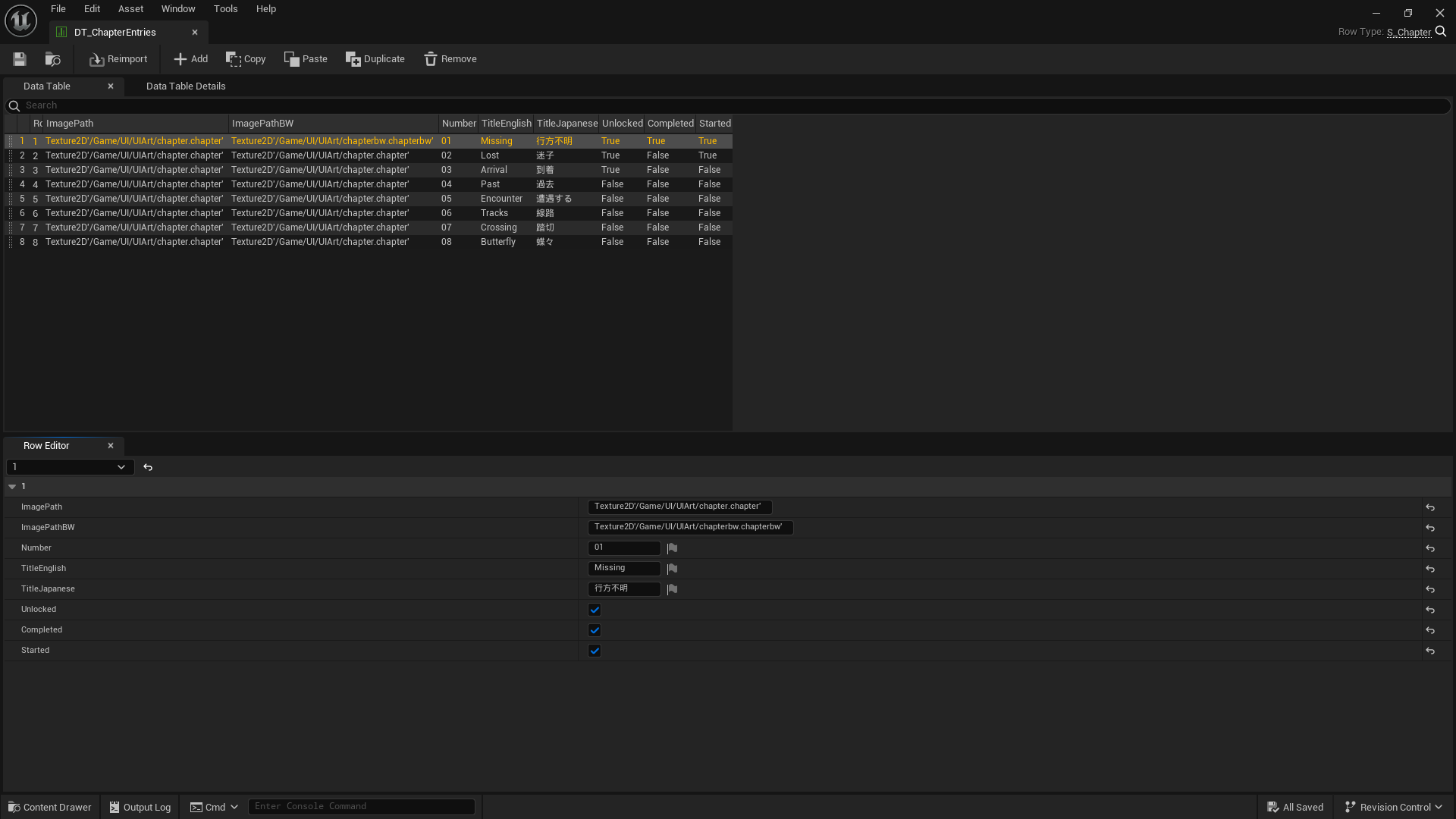
Data tables

The data was collected in data tables based on data structures, containing texts, file paths and bools used to load and create widget content. By adding rows in the data table with the desired information the UI is automatically updated without having to create a widget for specifically that item.

Chapters

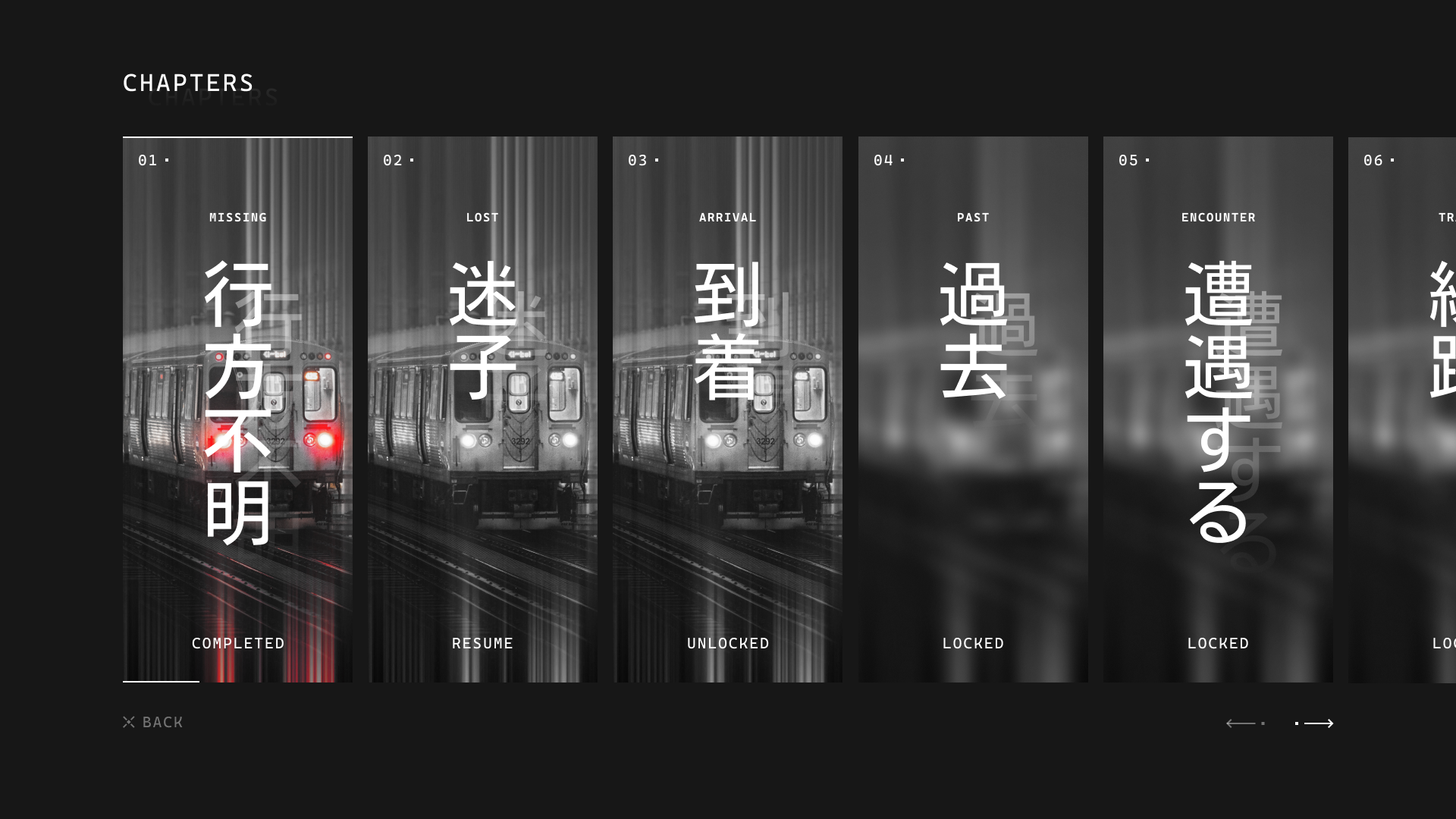
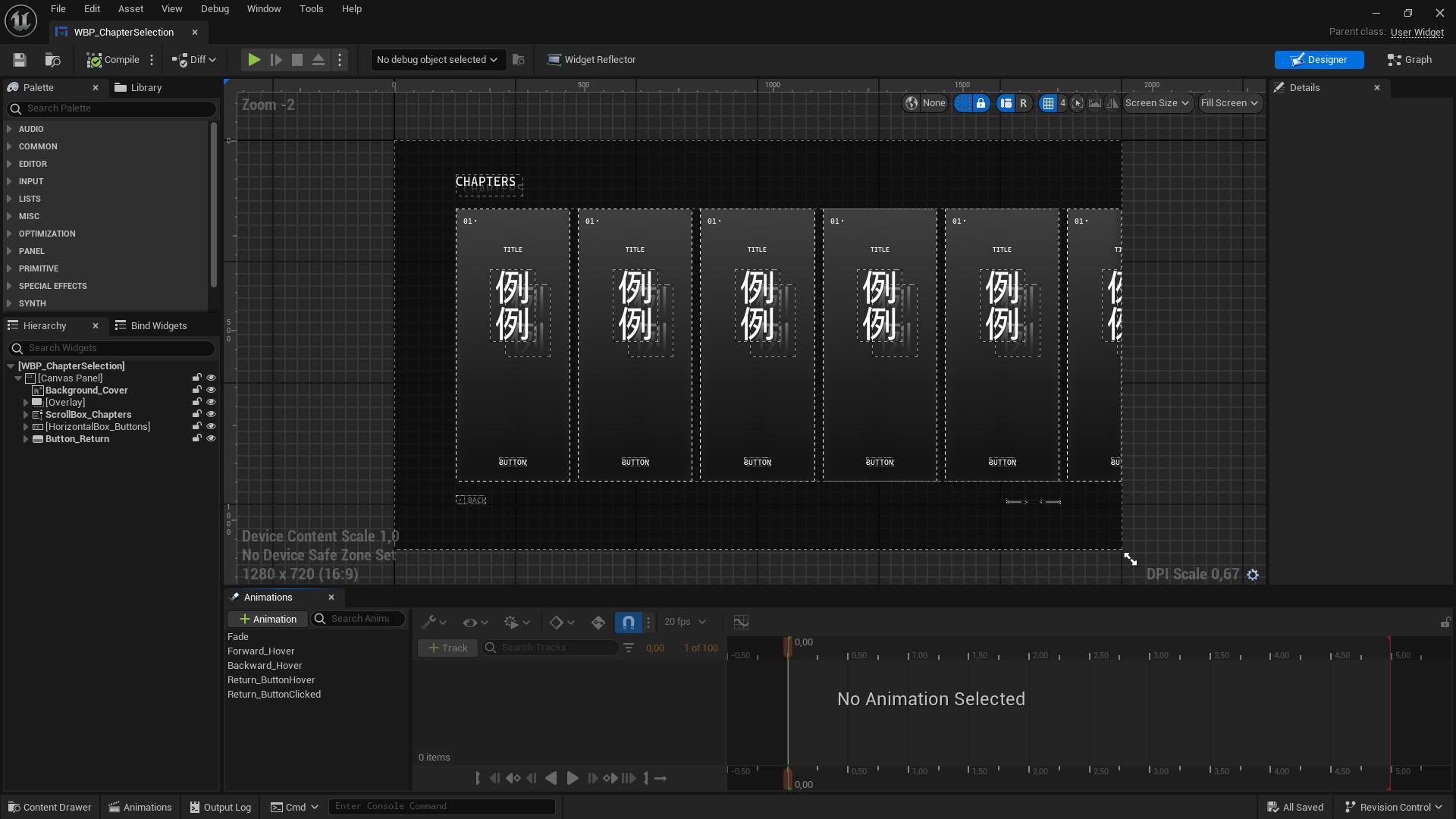
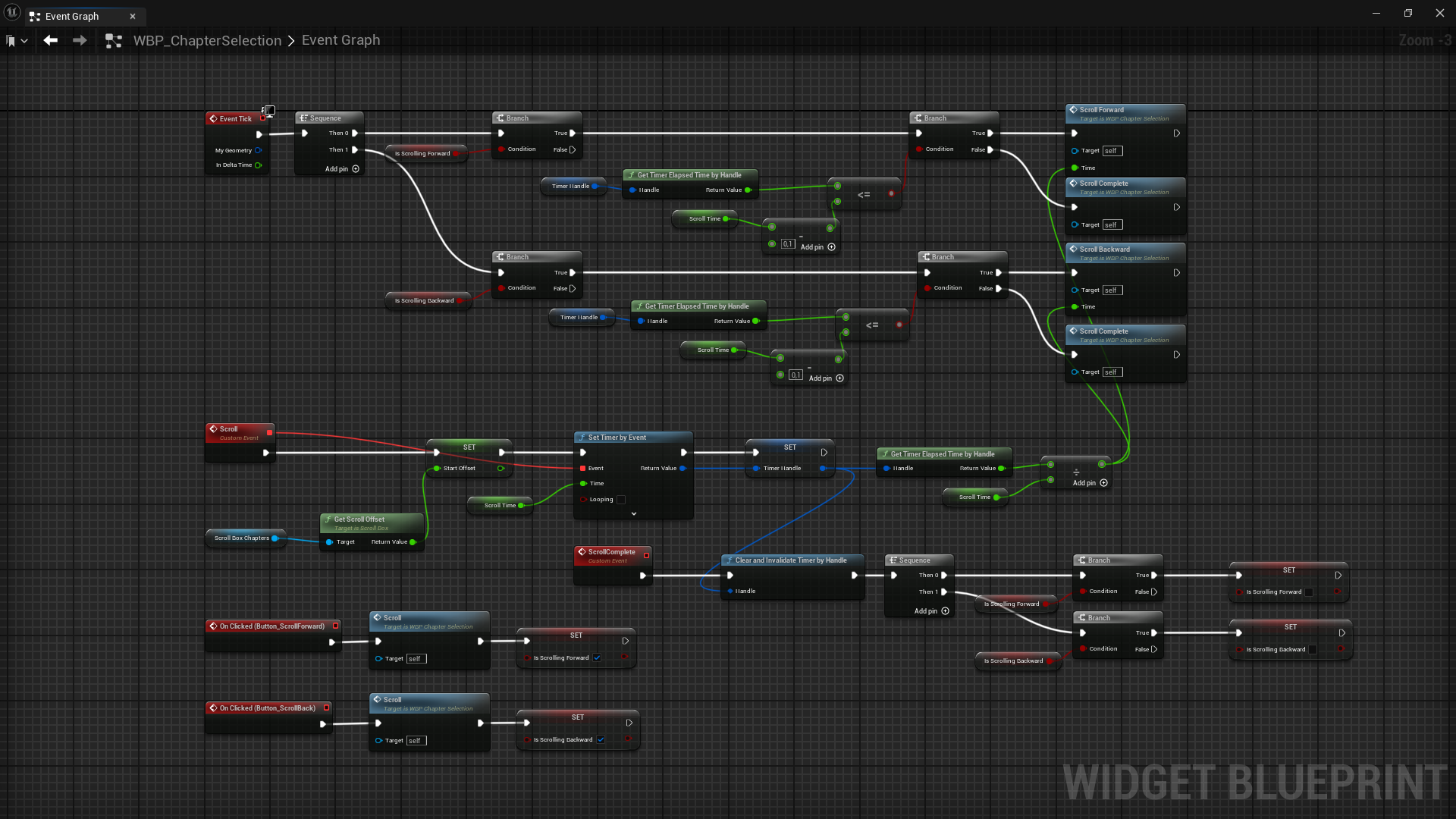
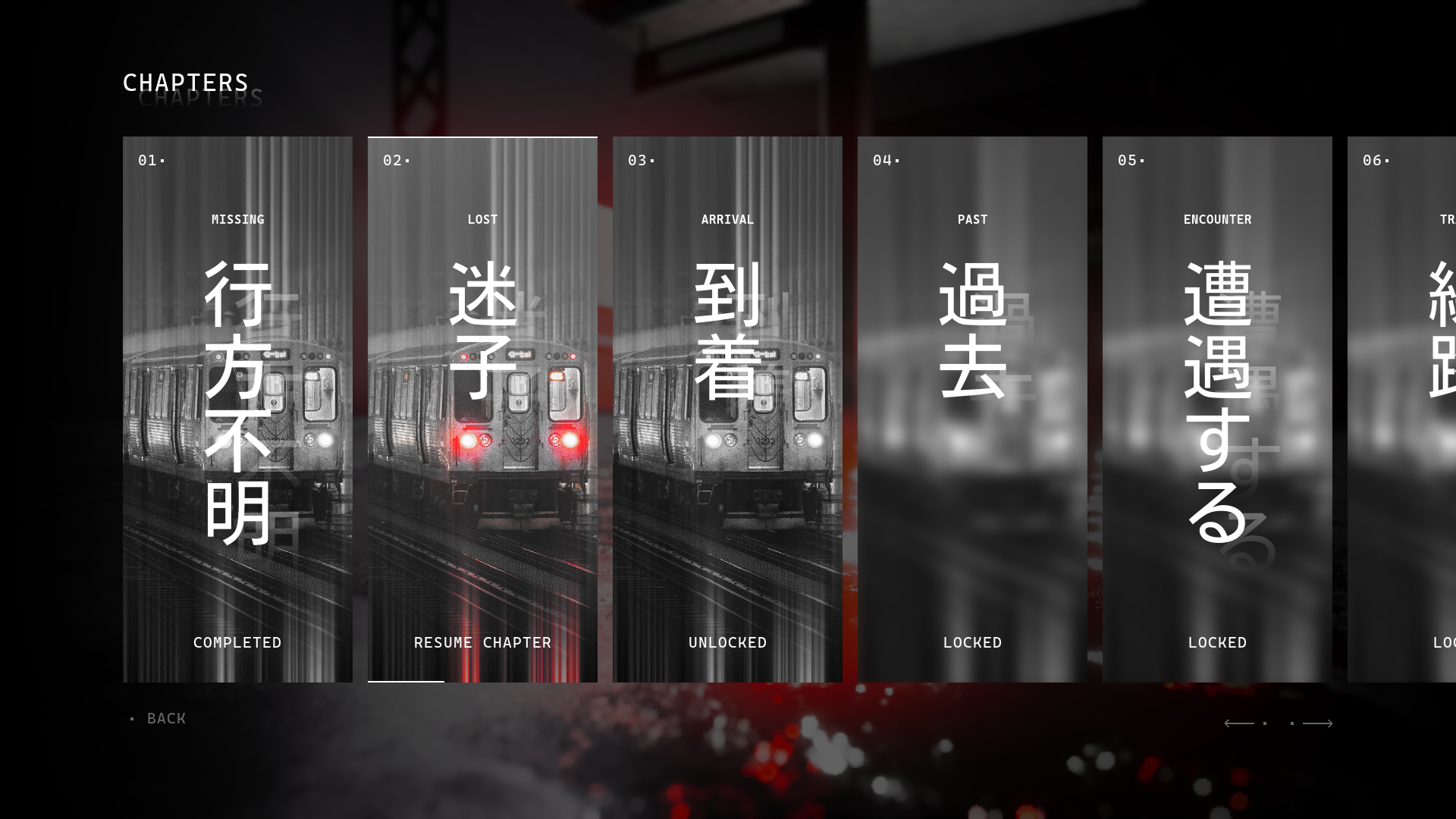
For the chapter selection I wanted to create individual cards for each chapter, providing necessary information, displaying what content is currently available and if a chapter has any current progress. The content can be navigated by scrolling or by using the provided arrows.

Settings

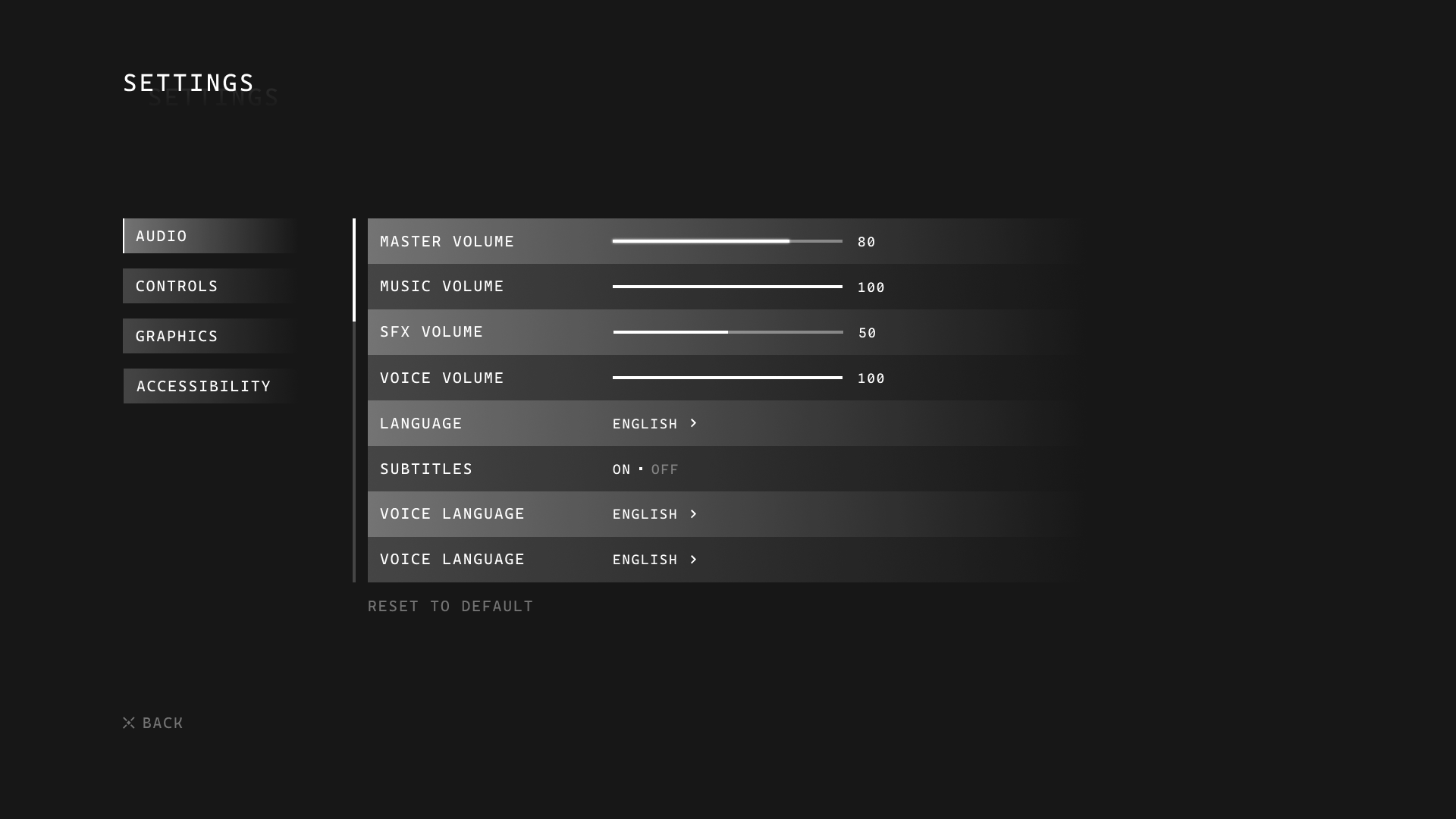
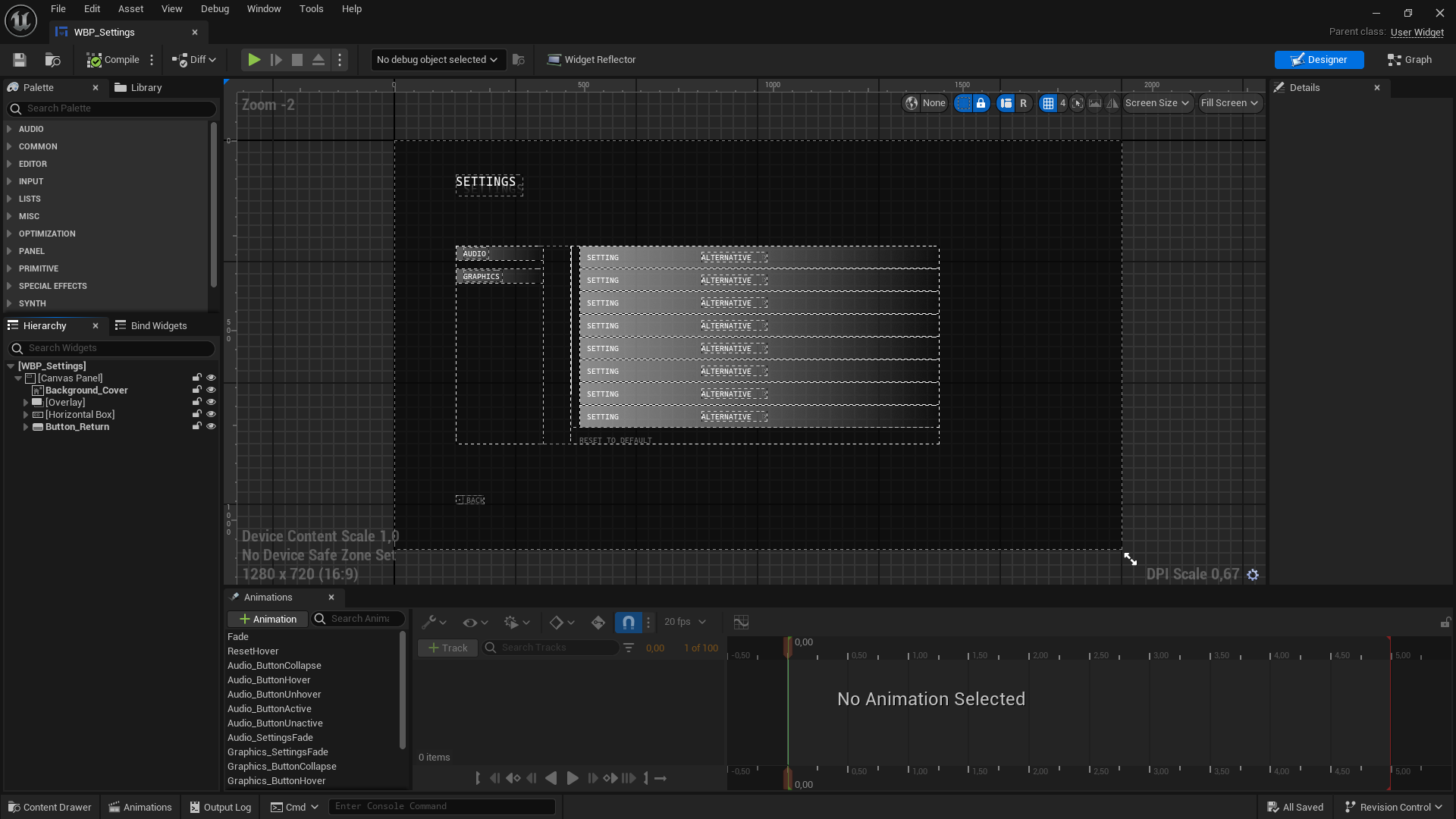
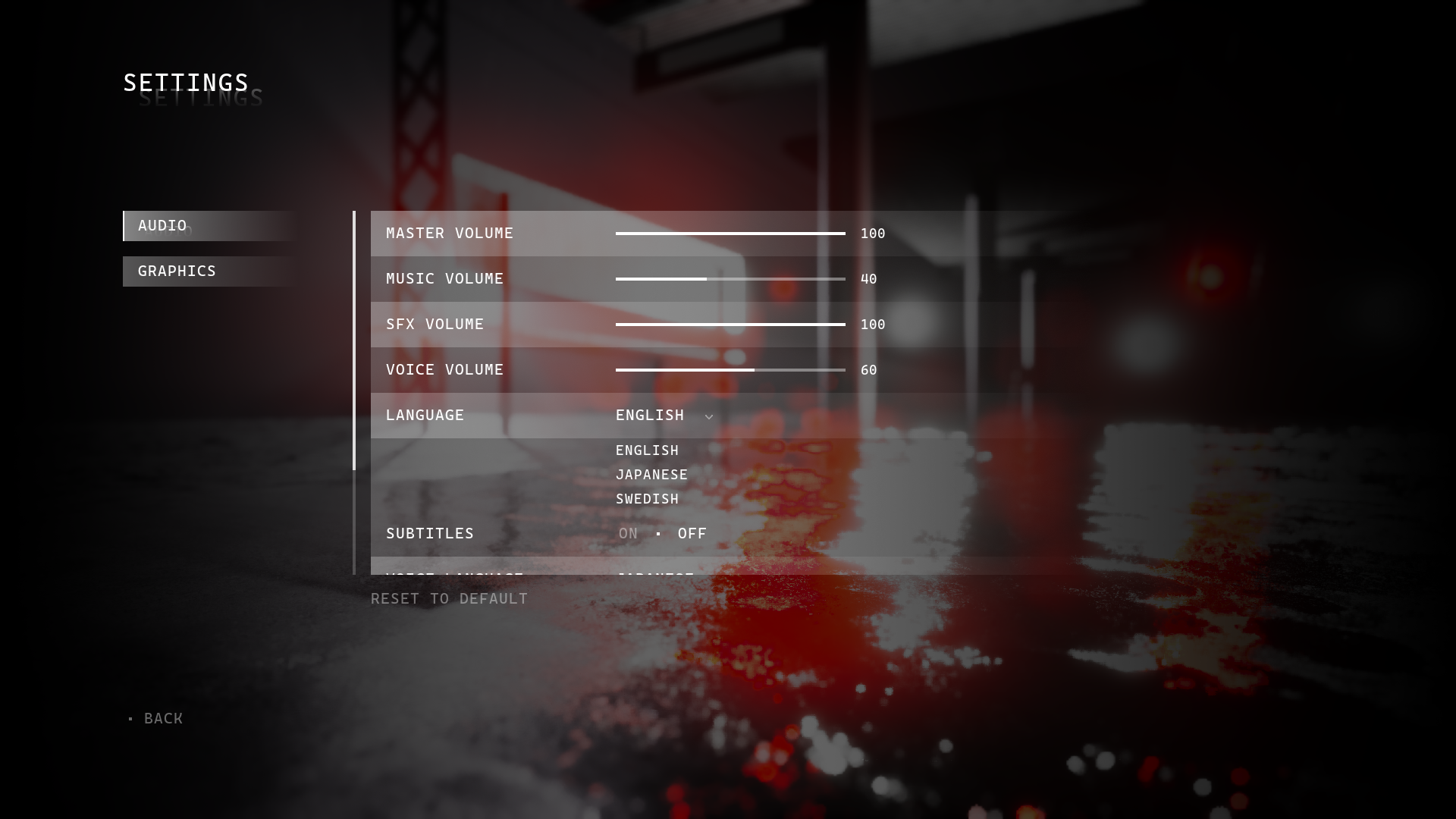
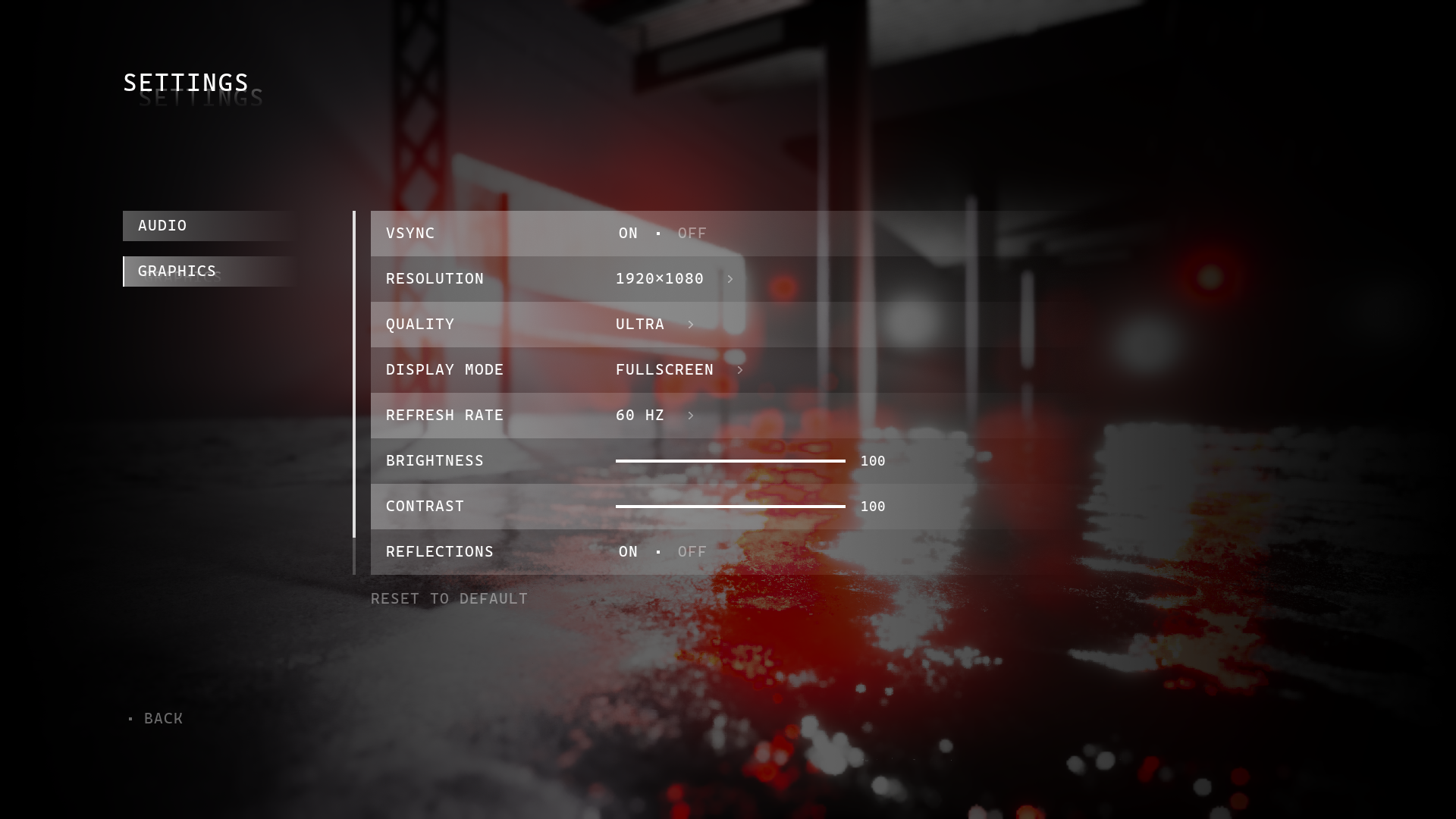
For the settings I went with a scroll view that provides plenty of room for content without feeling overcrowded. This also helped keeping the layout consistent where the amount of content could differ in each category.

Main Menu

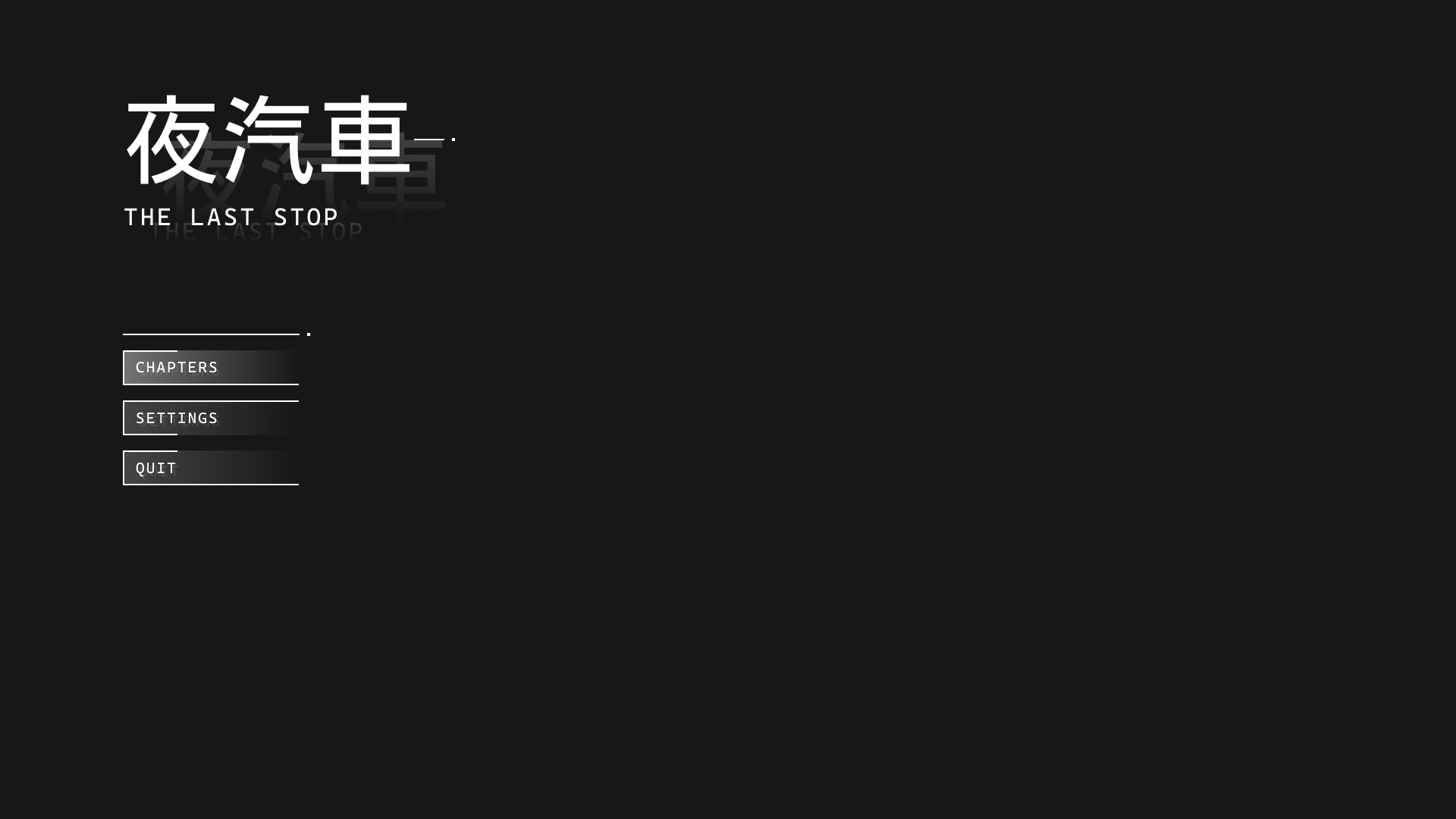
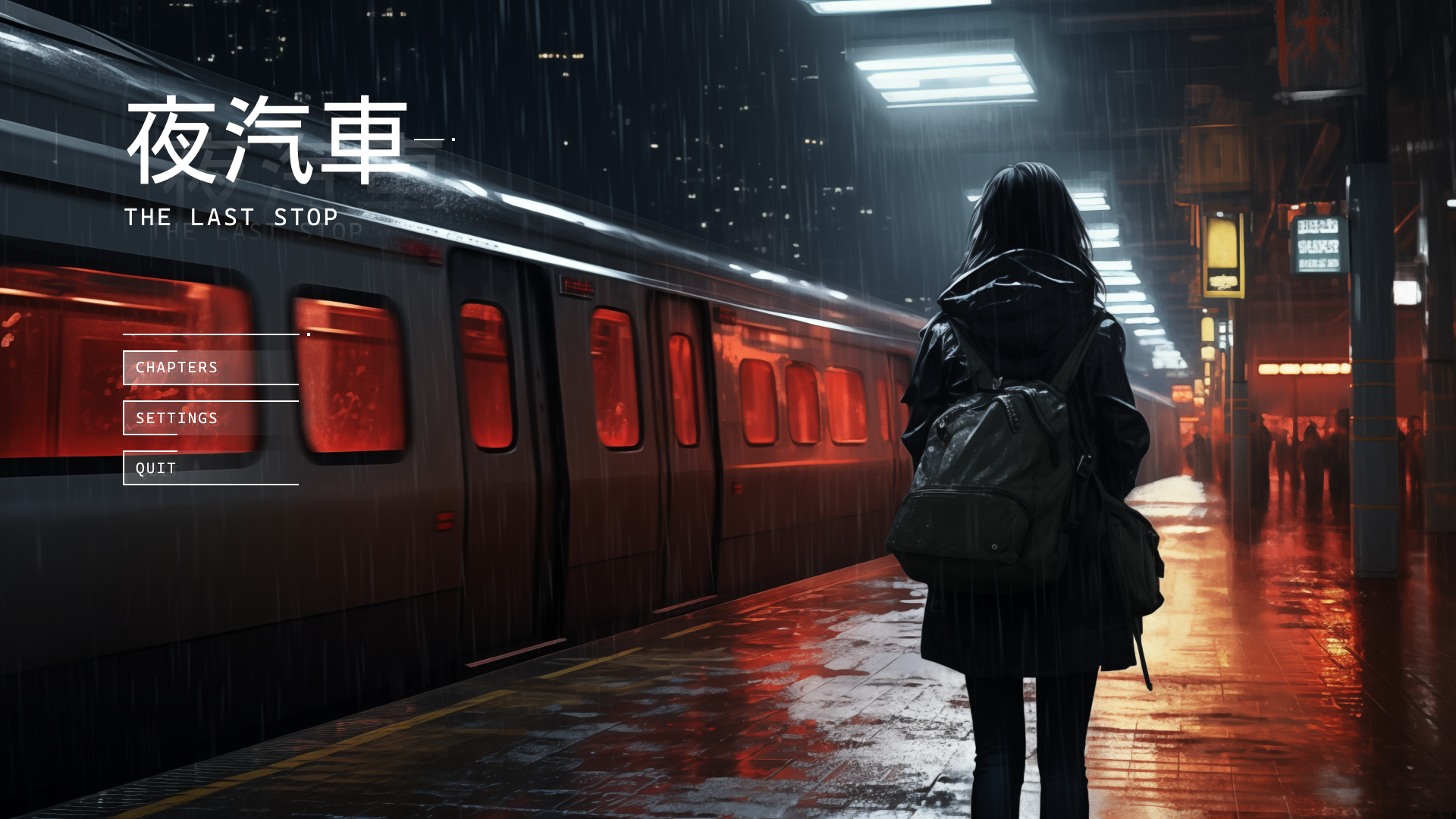
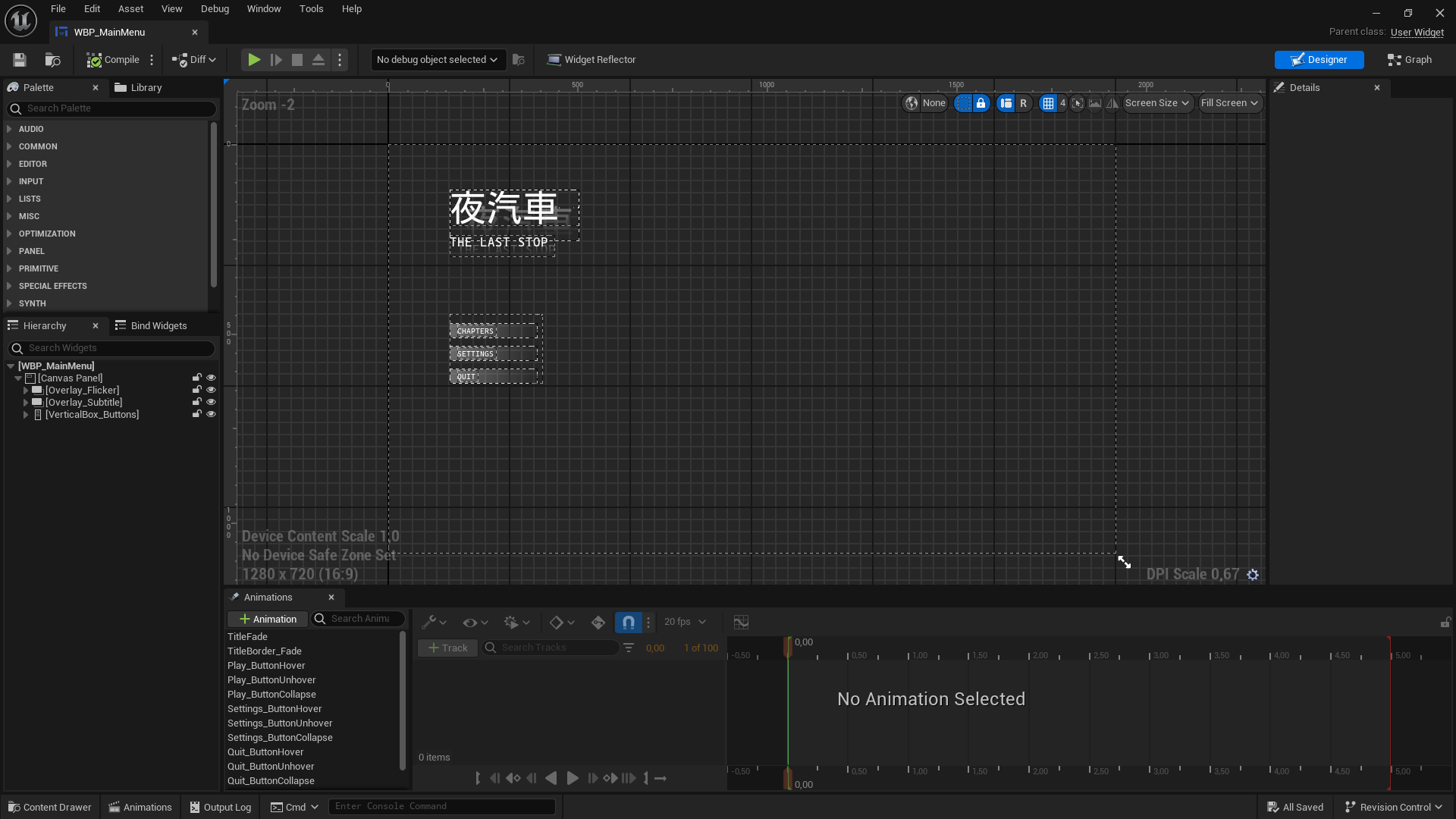
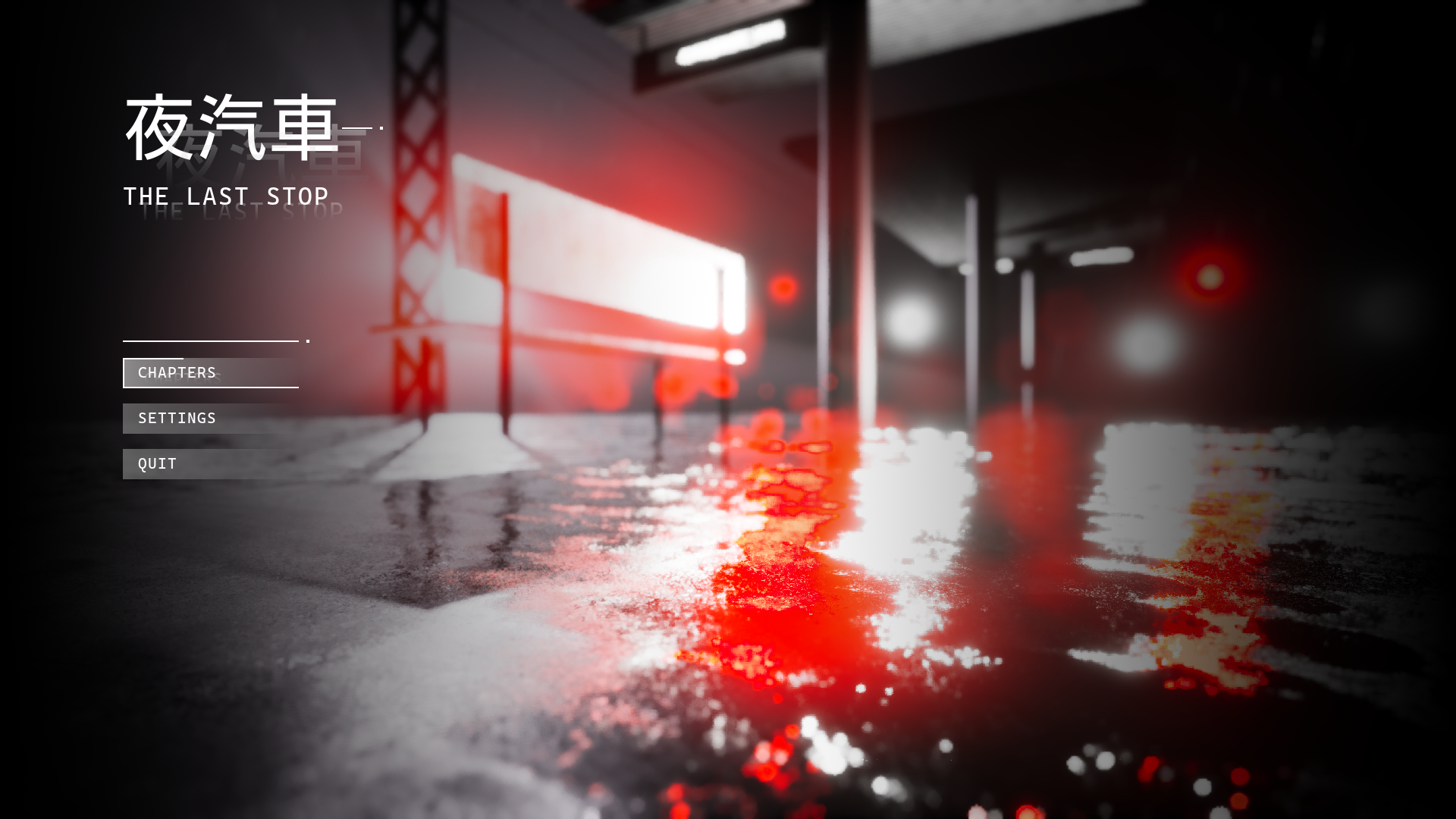
For the main menu I kept the UI scaled down, providing the main options needed. I wanted the menu to remain scenic to set the tone and build suspense for the game.

Animations

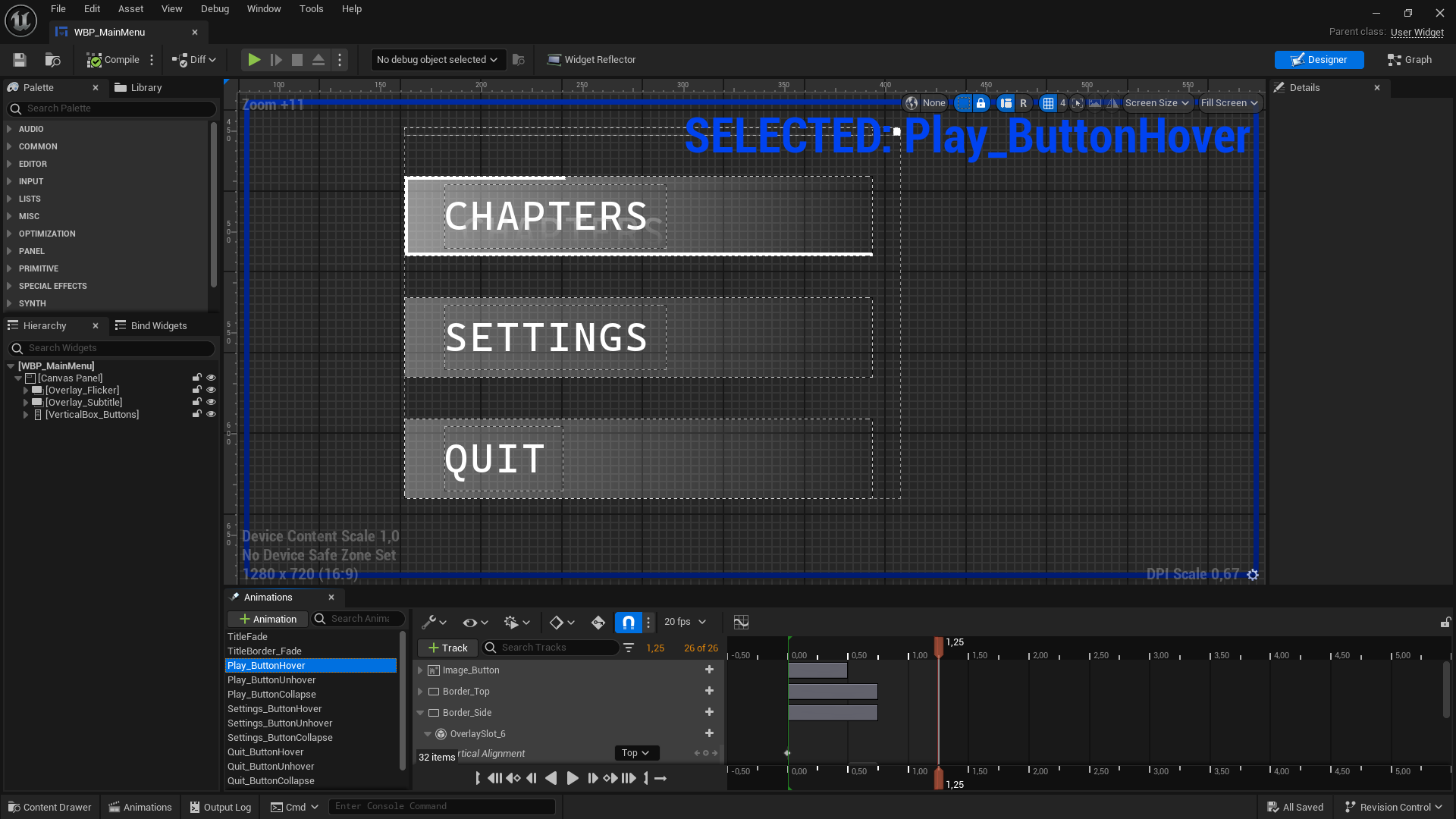
UI animations played a key role in making the UI navigation feel responsive and smooth. I created custom animations for button hovers, animating between menus as well as for content navigation. I worked a lot with fades as well as animated borders, overlays and opacity.

Did you know that..

.. widgets can be tricky to lerp?

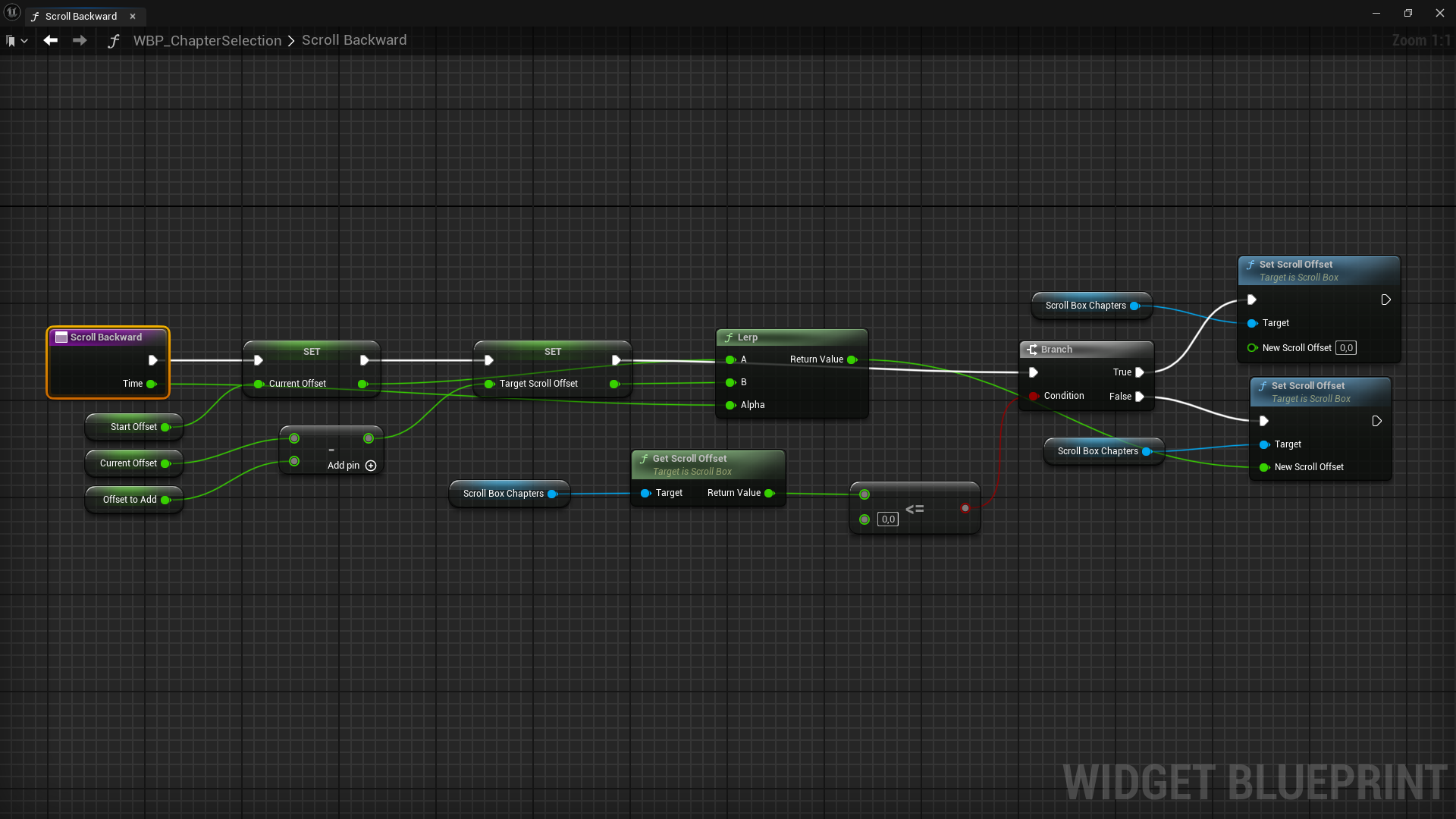
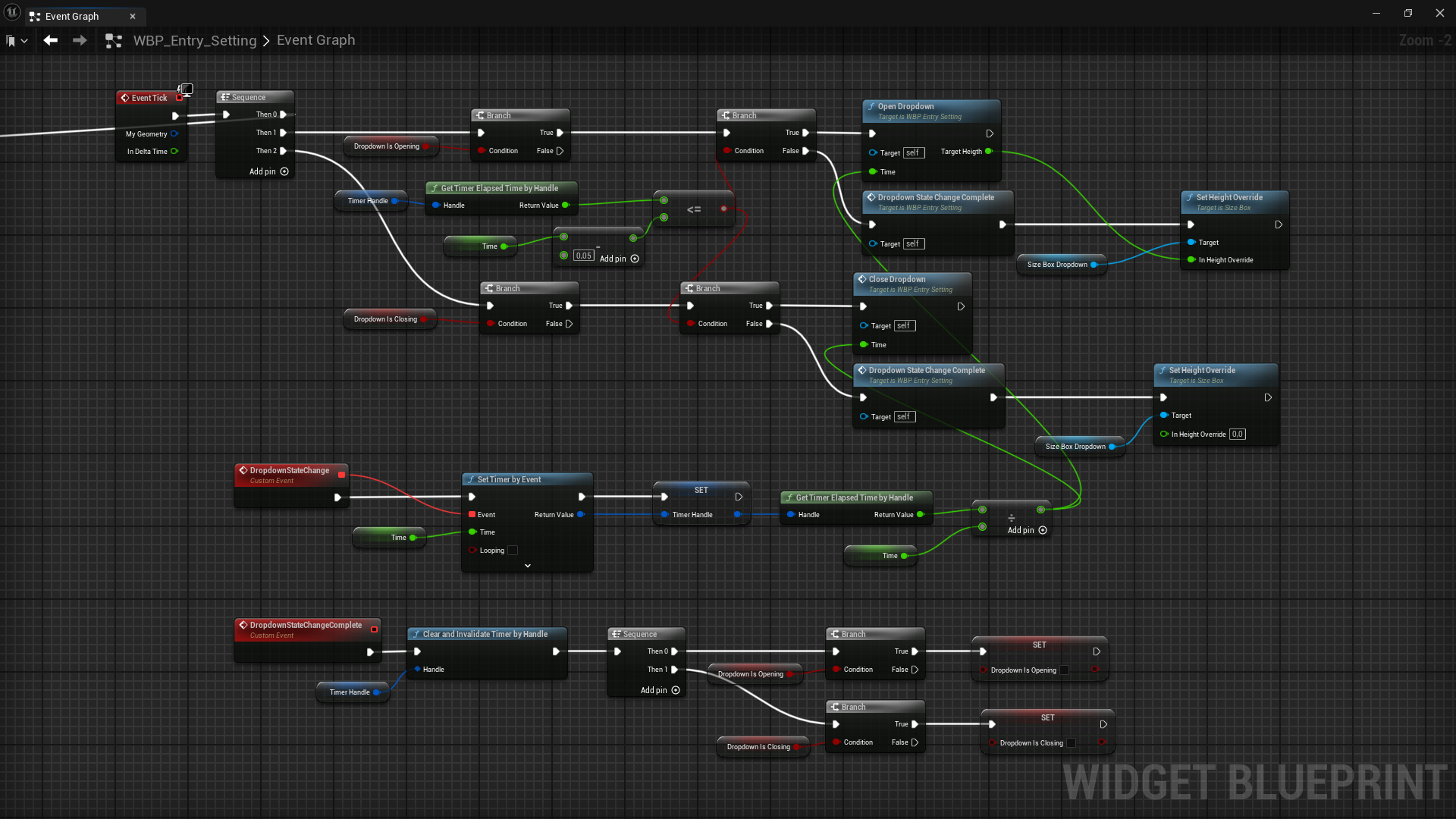
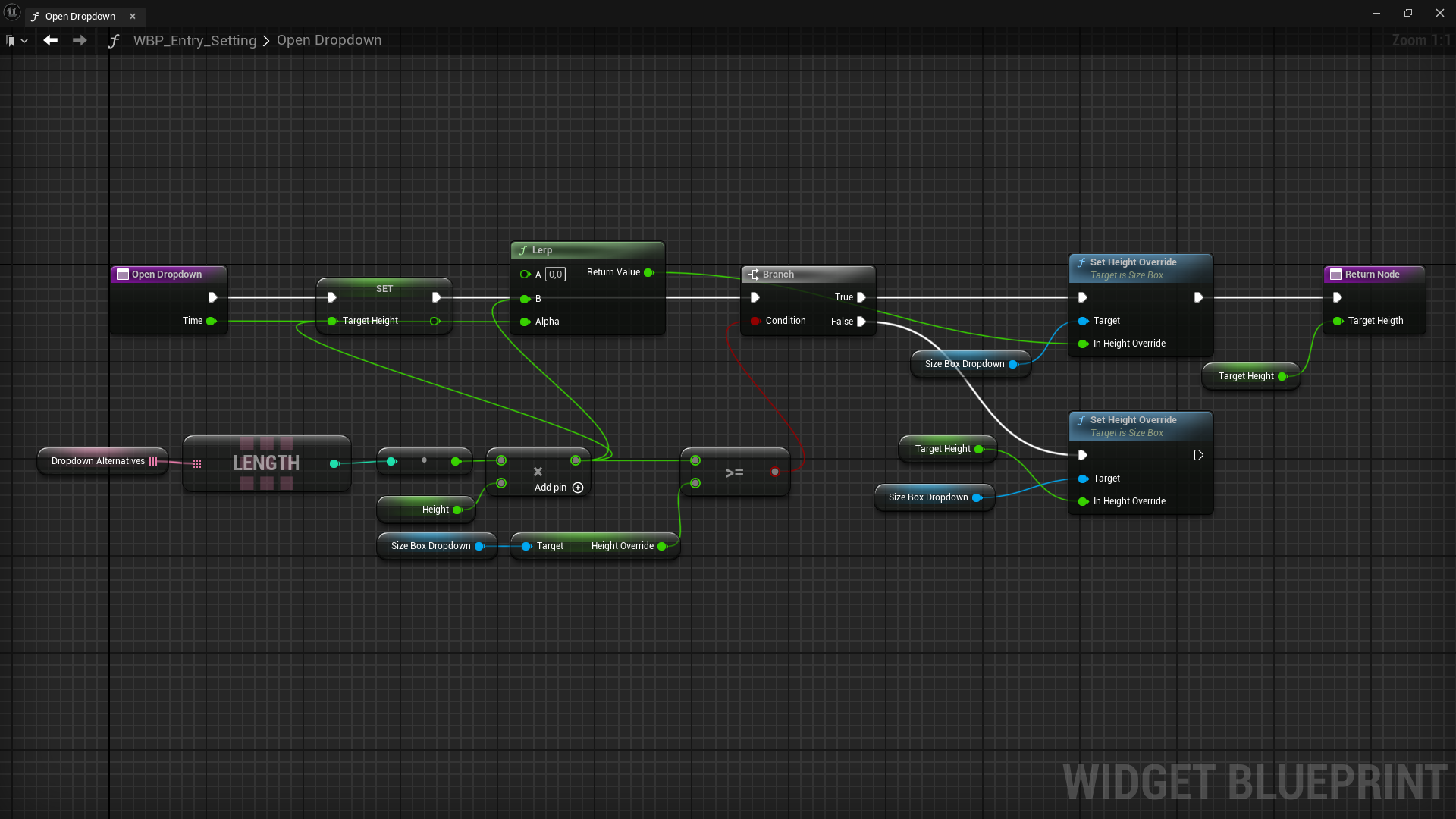
Sometimes a regular animation did not cut it and I needed to lerp content to have more control. Since widgets do not support timelines I opted for using a timer to execute certain custom animations on tick. Examples of this is the custom chapter scroll with buttons and the options opening in the settings.

Animation delays

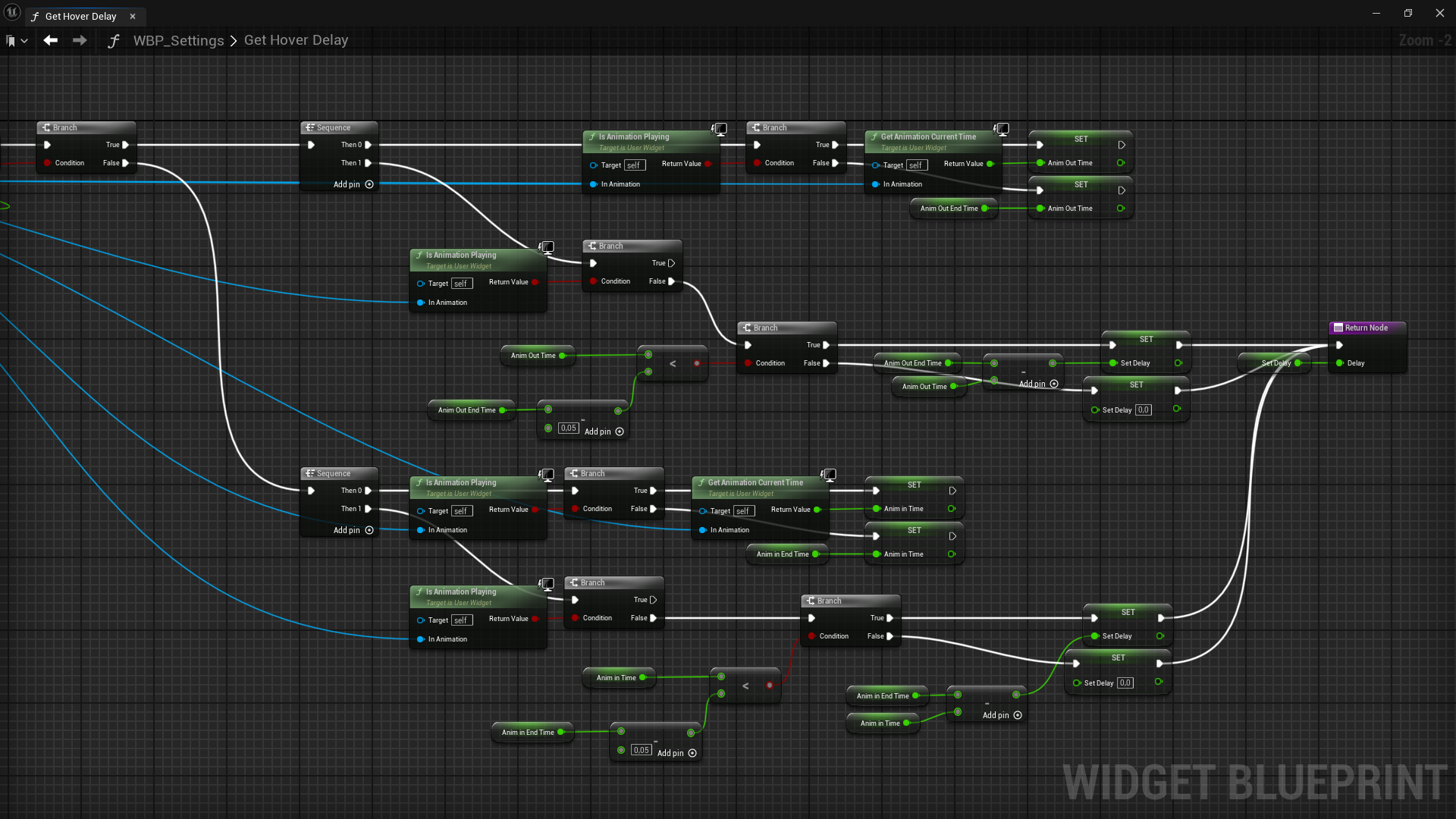
To prevent separate hover animations from being interrupted I created a function to calculate an animation delay by passing in the two animations. The animations are not always seamless when spam hovering, but this solution still provided a smoother experience for long hover effects, allowing for animations to finish before playing the next.

Scene setup

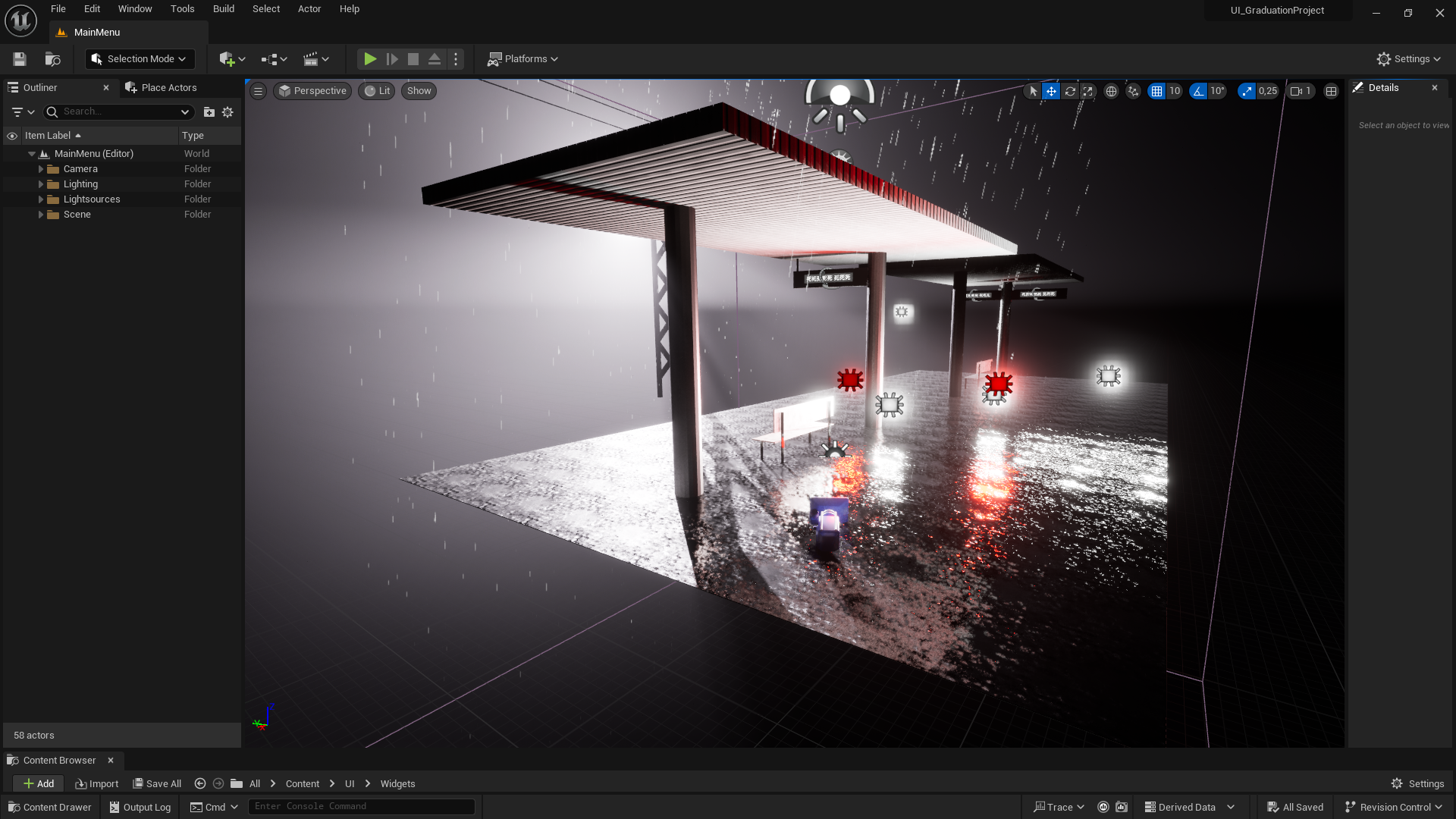
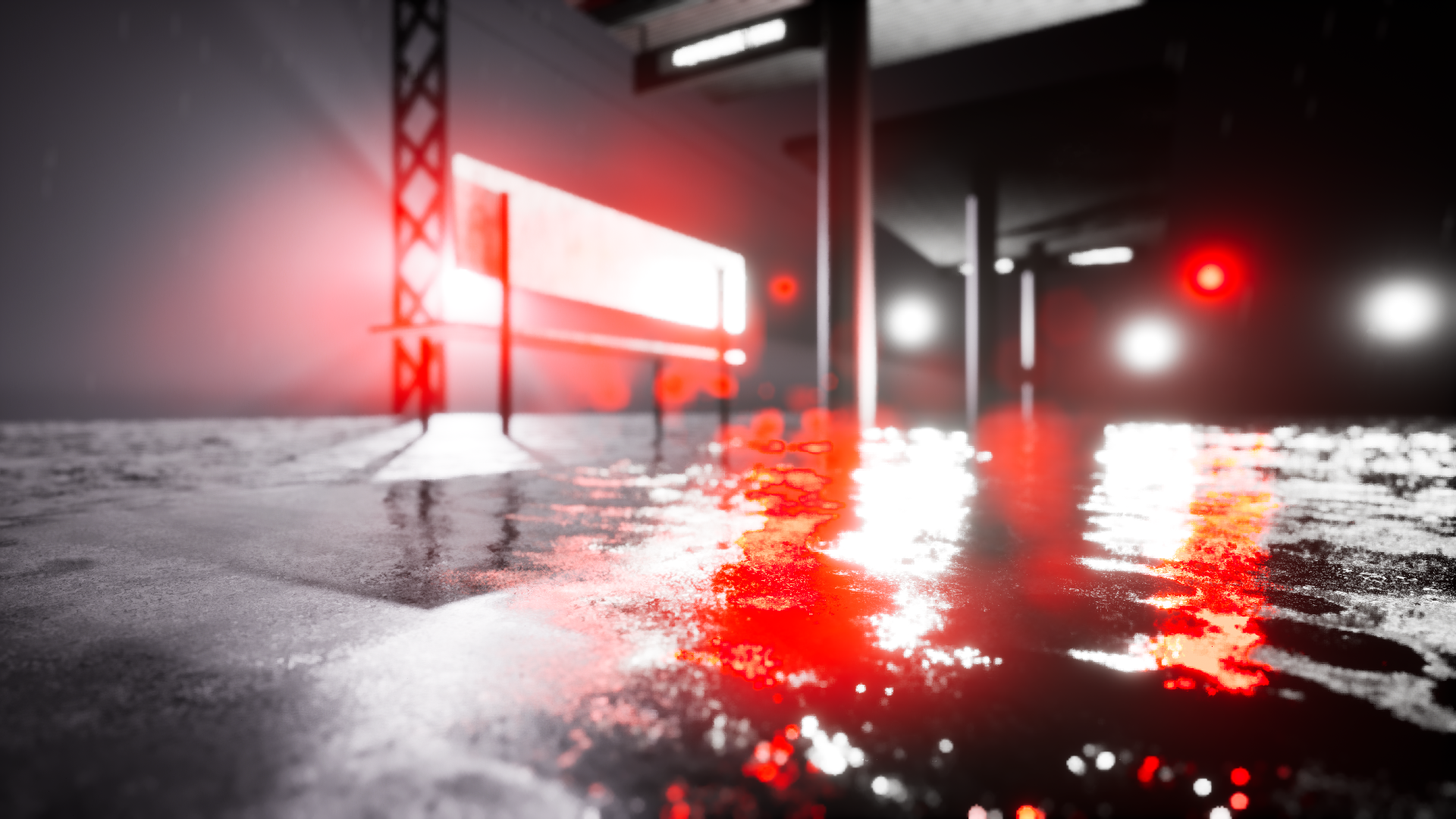
The main menu scene was set up by using a combination of BSP brushes, free materials, VFX, lighting and post processing effects. A main camera was used and the UI was added to the player screen. I drew inspiration from images of reflections on wet concrete and the setting of a train station.

Final Product

Once the implementation was completed it was time for final polish before concluding the project.