Epilogue
between life and death
Epilogue is a rouglike first-person shooter set between life and death. Fight your way through the five stages of grief to find peace and acceptance.
Creative Direction
UI Design
UI Art
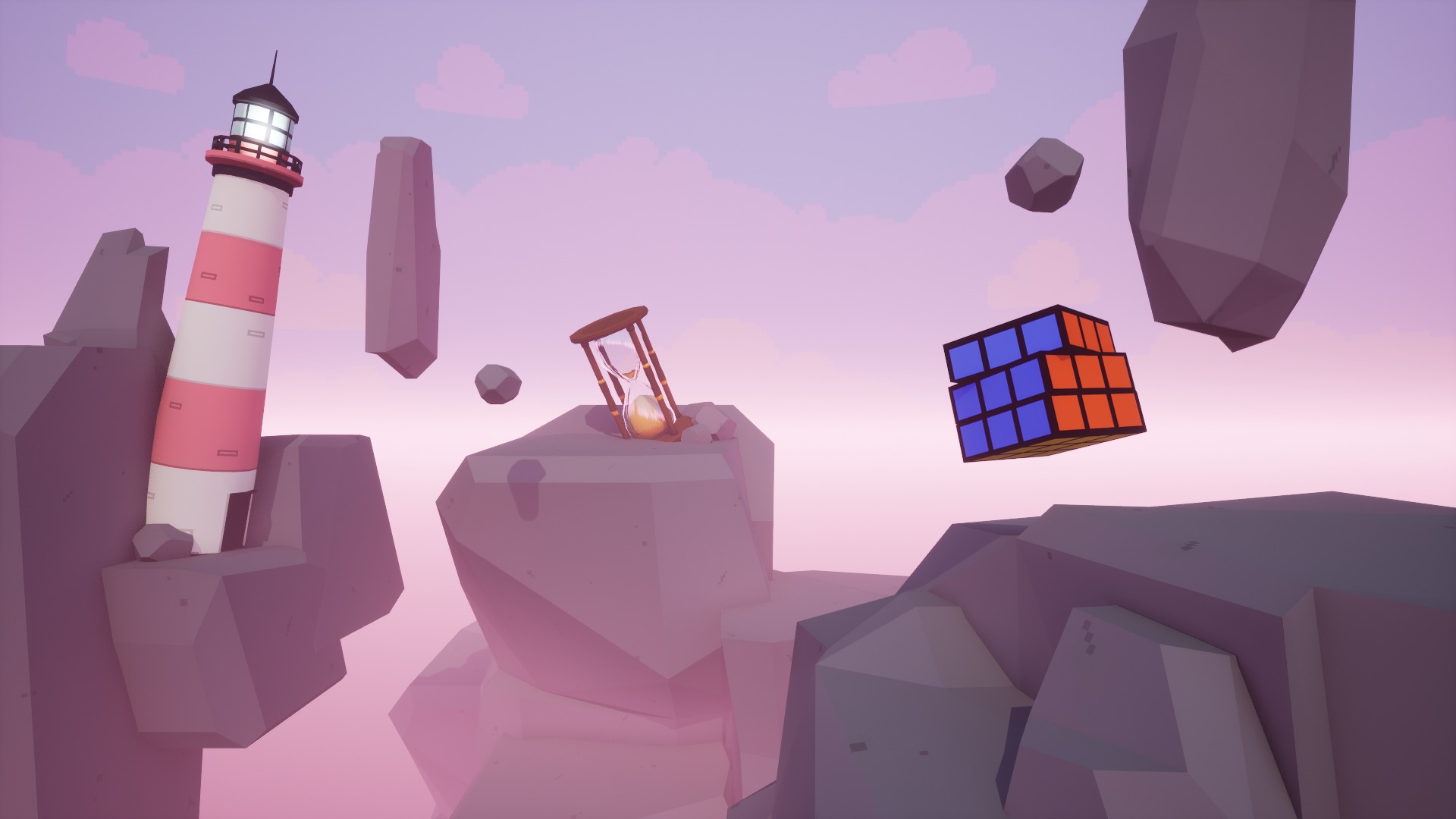
Epilogue is a rouglike first-person shooter set between life and death. Fight your way through the five stages of grief to find peace and acceptance.
Creative Direction
UI Design
UI Art
This game was created during a 4-week school project by a team of 9 students, consisting of designers and programmers. The game was shaped under the prompt "internal conflict". My primary focus during this project was on UI design but I also contributed in the overall creative direction of the game.
Unreal Engine 5
Figma
Visual Studio
Perforce
Team of 9
4 Weeks
School Project
As part of the art team I took part in shaping the creative direction of the game. I helped gathering ideas from the team, creating moodboards and finding inspiration for the project to visualize ideas and bring together a cohesive vision.
The team wanted to go for a pixel art style mixed with low poly style assets. I assisted the team in how to achieve a dream worldly and surreal Alice in Wonderland-esqe setting by creating moodboards, drawing sketches and exploring ideas. I suggested we draw inspiration from Japanese culture and their representations of death which can be seen represented through multiple assets in the game. Oversized real-life objects were used to emphasize the surrealism.
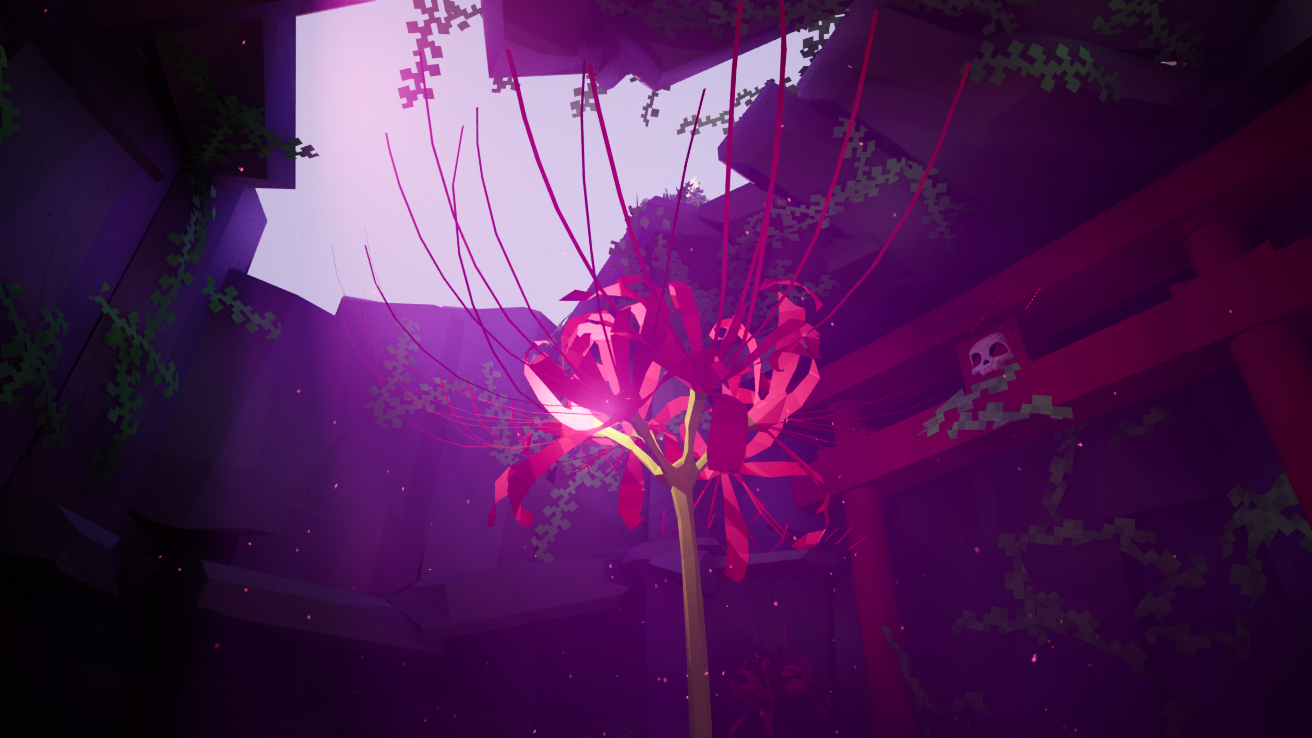
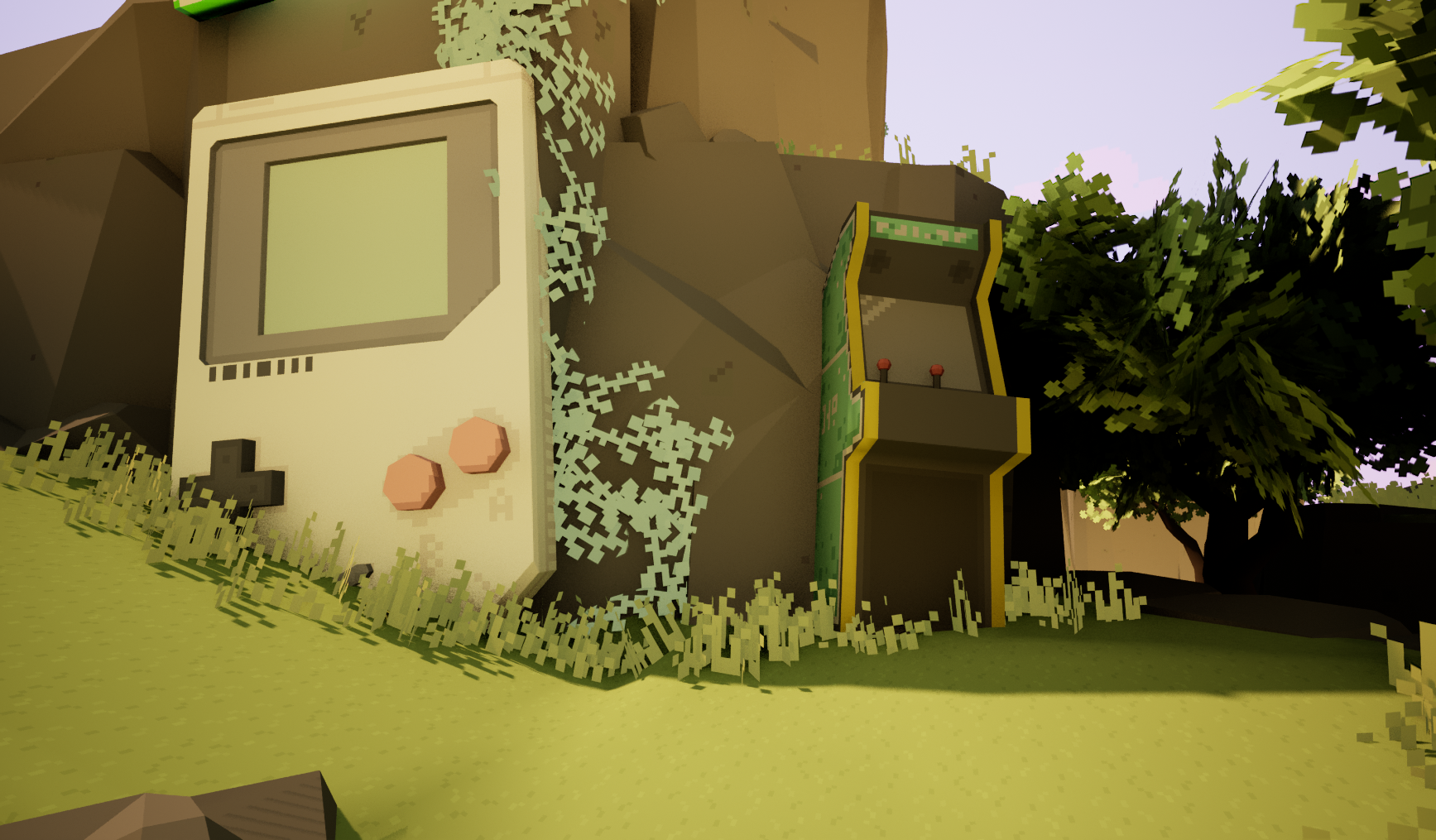
The game takes place between life and death in a mountainous area above the clouds. Recognizable items are scattered throughout, as if forgotten between real life and the afterlife.

As the player battles their way through grief they are faced with shadowlike enemies as embodied representations of death.
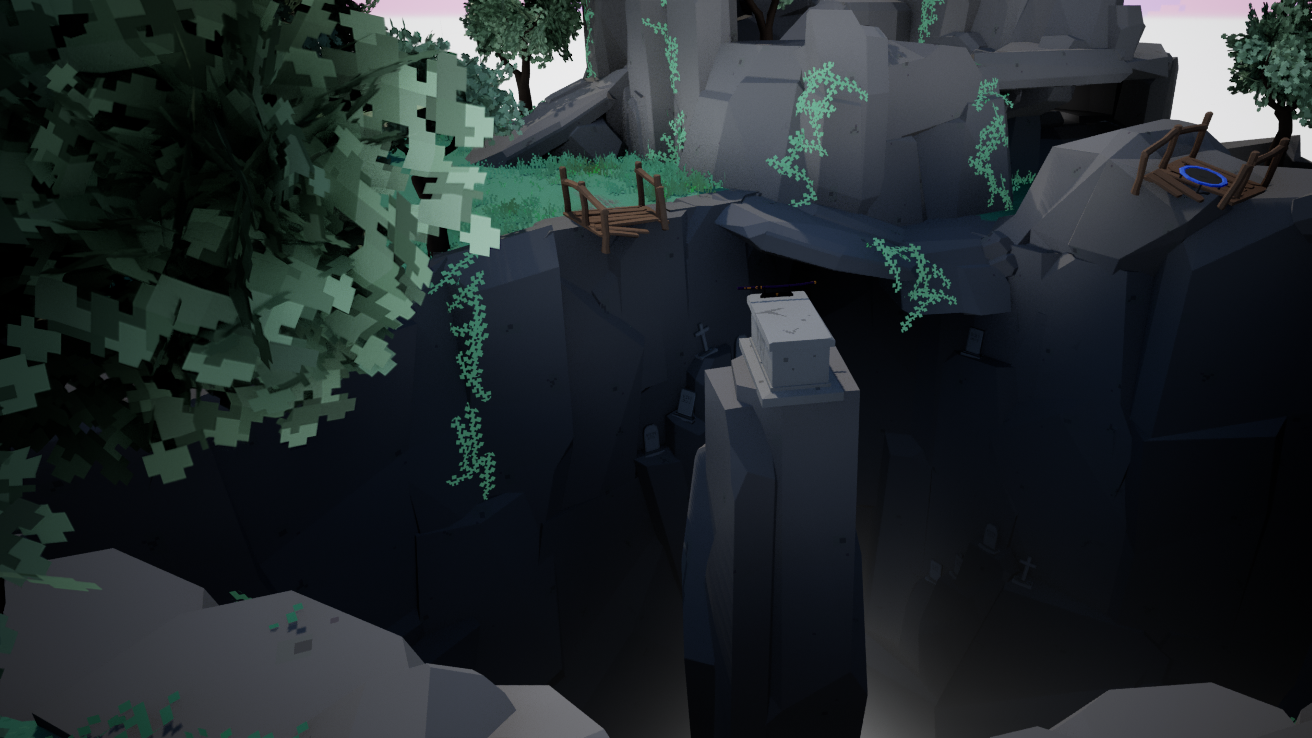
Going through the stages of grief the player is accepting their own death, by successfully doing so they are granted a pass to the afterlife.
My main responsibility during the project was to design and maintain the UI for the game. I created assets and implemented them in widgets and the functionality was integrated by the programmers.
I started my process by looking at other rouglikes and first person shooters as well as older games and pixel style art in general. Since rougelike games tend to be UI heavy, my goal was to keep it minimal and not too intrusive while still providing the player relevant information and stay true to the artstyle.
To lean into the pixel art style I went for a pixelated font and added a fully opaque shadow set to the right of the text. I paired it with a custom made font by the programmers, used mainly to display numbers.
SILKSCREEN
SILKSCREEN
For the assets I worked with a variation of pastels, always in a set of three colors to shadow and highlight. For outlines I used a black and white and for backgrounds I worked with opacity.
#9D5BDF
Dark purple
#BD82F9
Purple
#E1C3FF
Light purple
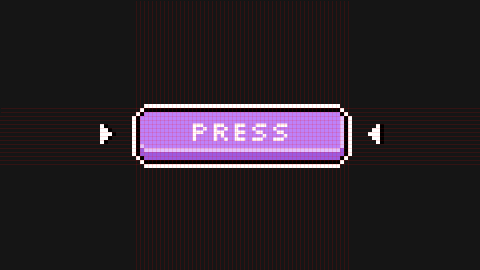
To keep assets cohesive and to match the font I created all of the assets according to a 4x4 pixel grid. This proved to be a somewhat limiting design system, but crucial to sustain the pixel size over the entire UI. This also limited sizing of the text.
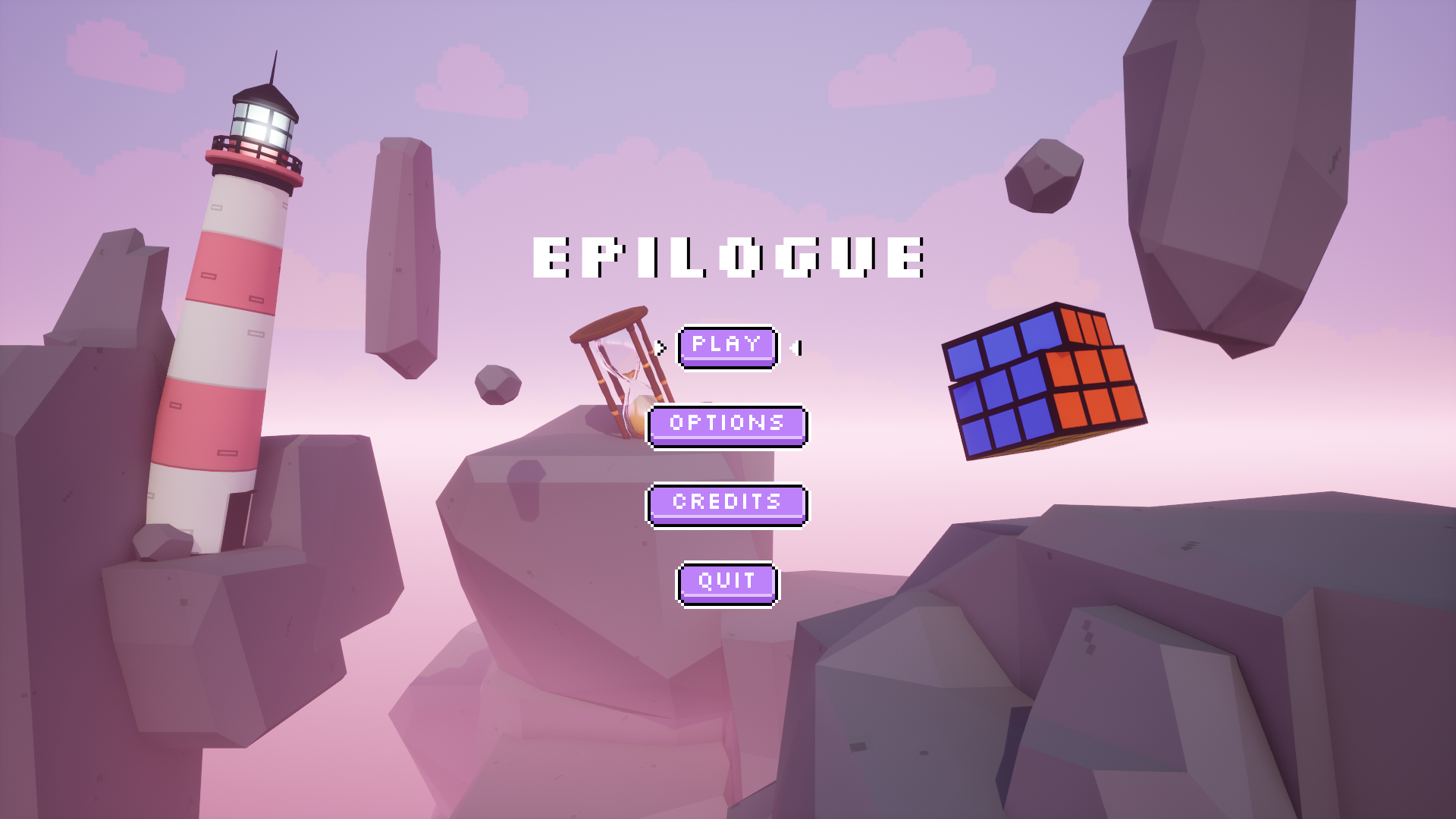
Alongside custom button sprites for button states, I added a set of animated arrows as the hover state. To make transitions smoother I added fade in- and outs between levels and menus.
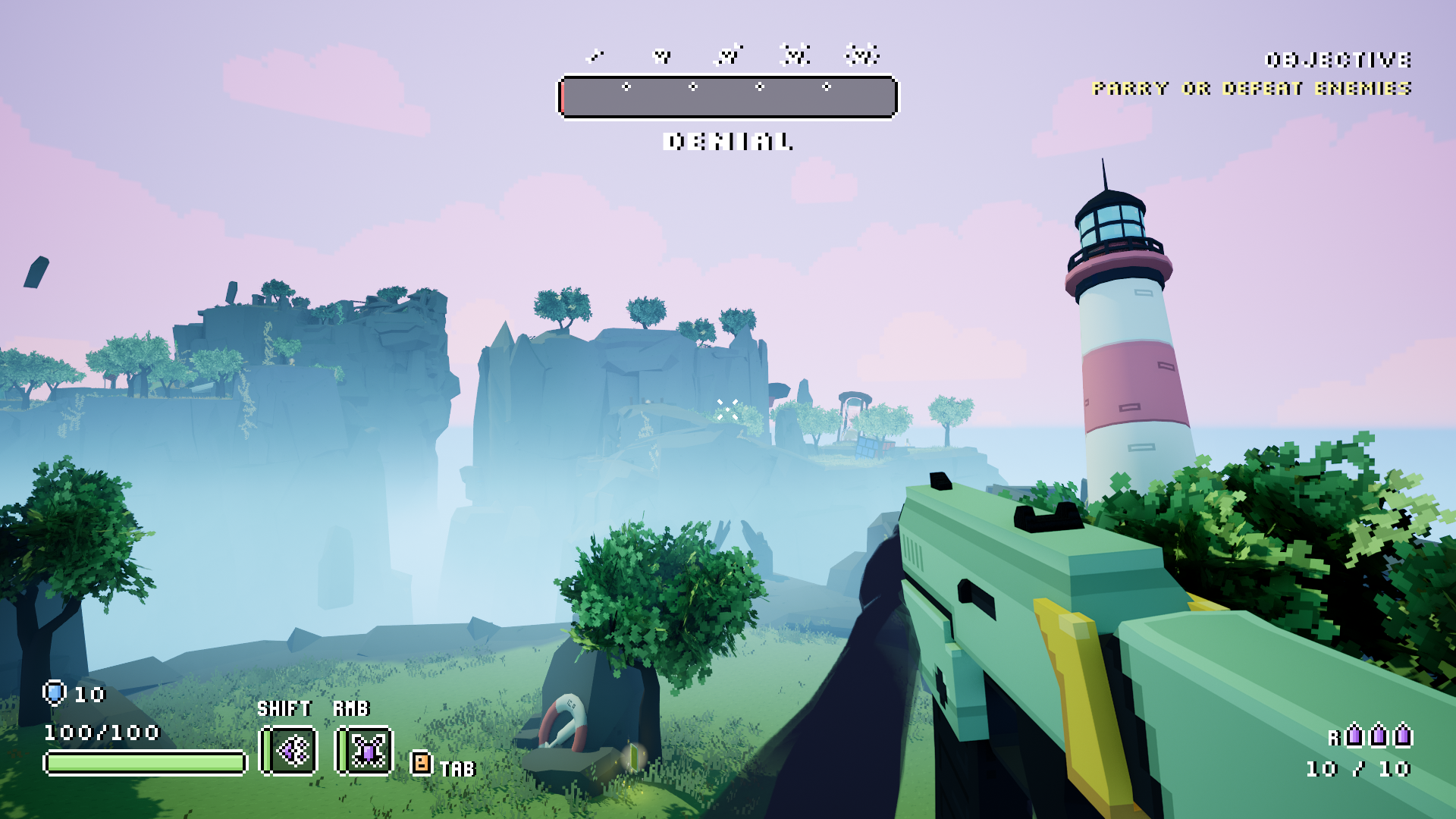
The HUD features the main information that the player may need whilst playing. The stagebar progressively updates as the player progresses thorugh the game and displays the current stage. The skulls represent the increased difficulty of each stage. The objective prompt displays the current main objective for the player.
The lower half of the HUD showcases player stats such as a dynamic healthbar with damage response and the current shield value. Abilities are displayed with a bar as well as a countdown for cooldowns. Current ammo is displayed close to the gun and the dynamic crosshair provides a response upon hitting enemies.
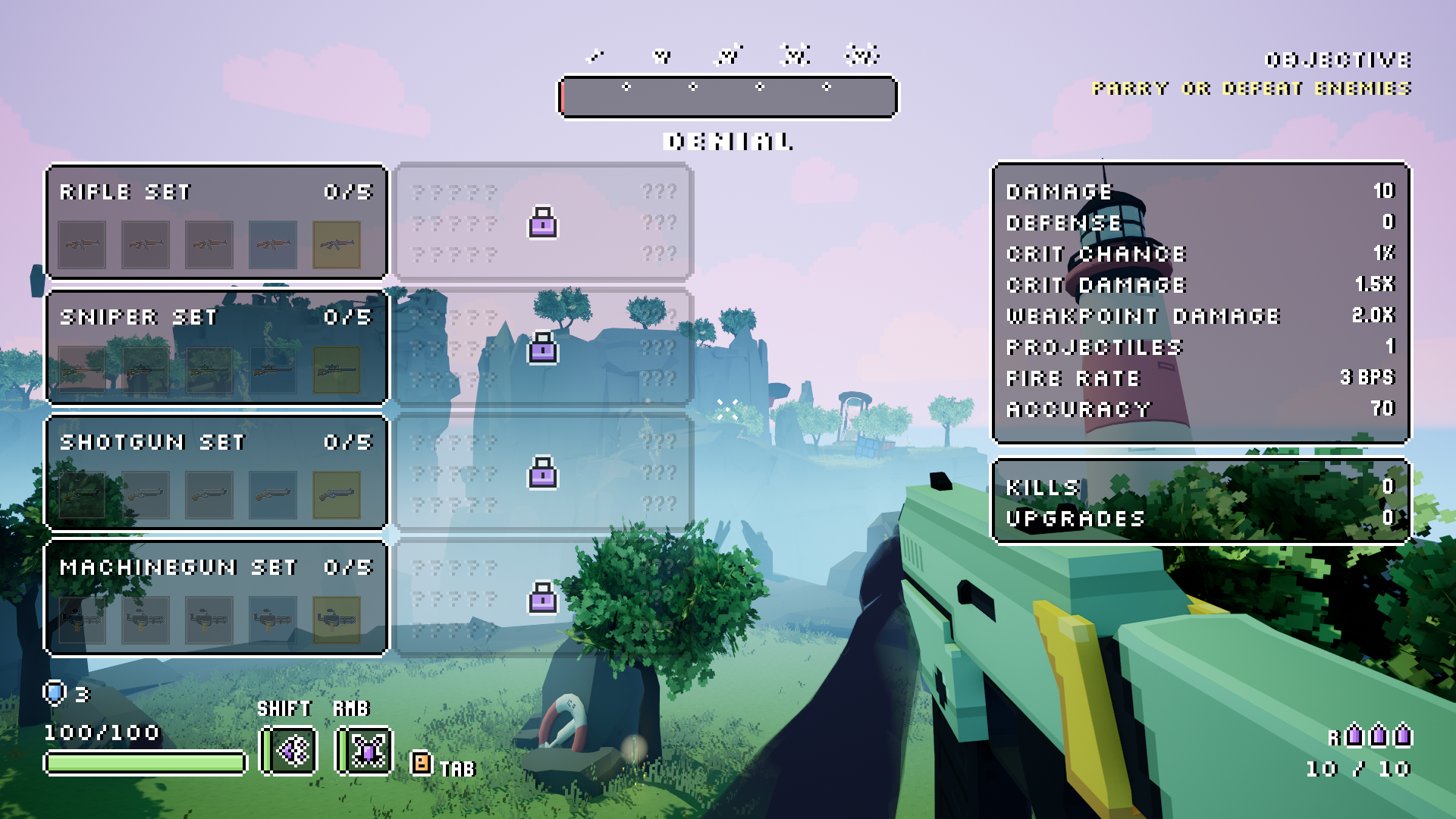
The overlay serves as a complement to the HUD and displays any remaining player and weapon stats. This is for the player that wants more information about their current loudout. Bonus stats are unlocked and shown if the player finds certain weapon upgrades. The overlay is accessed by holding tab and does not pause the game. The overlay is kept somewhat to the sides of the screen while still showing the HUD as the game is running.
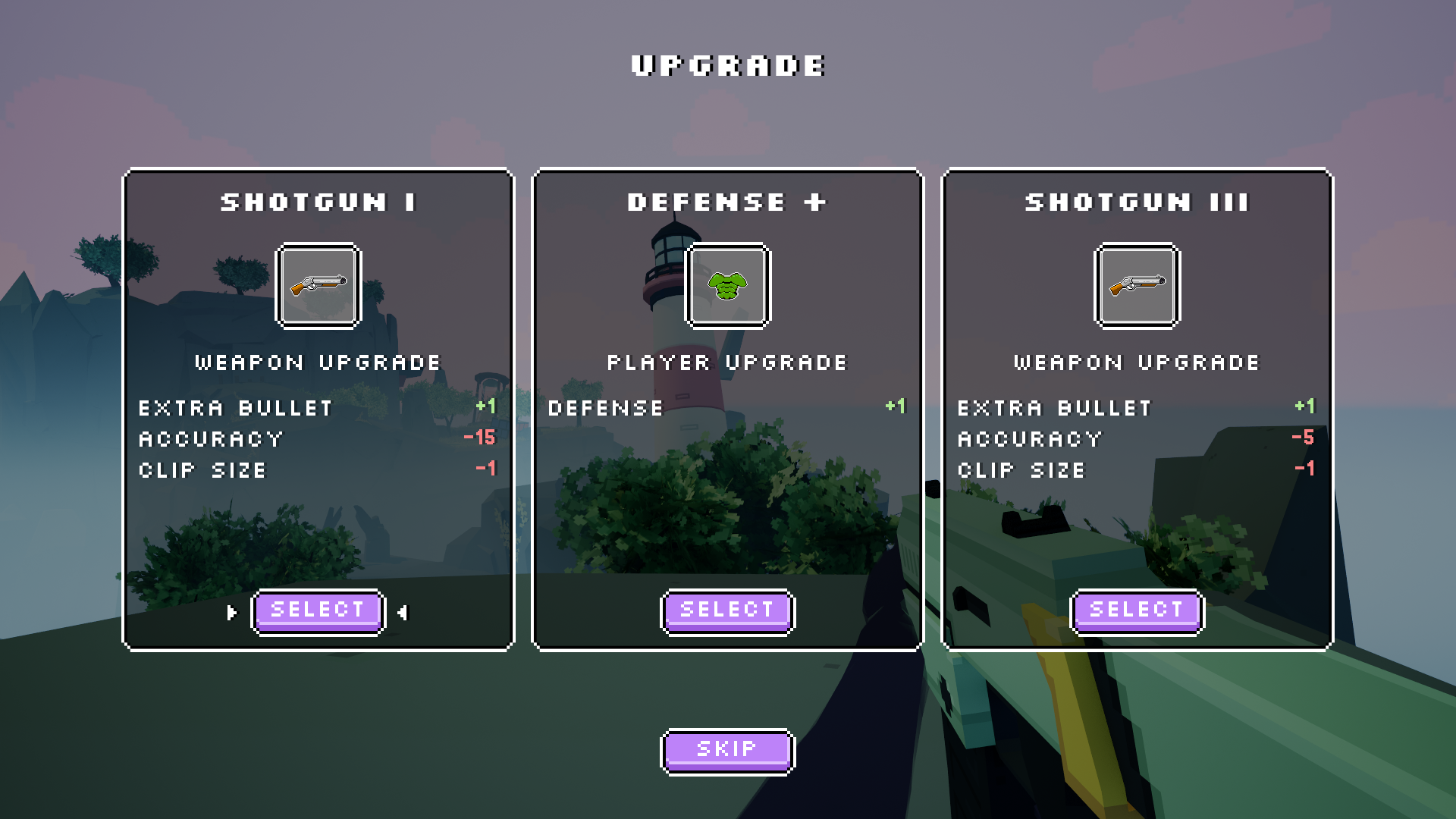
The upgrade selection allows the player to get an overview of the upgrades they are able to choose from. The upgrade cards display the upgrade type and name along with the most relevant stats to aid in decisionmaking.
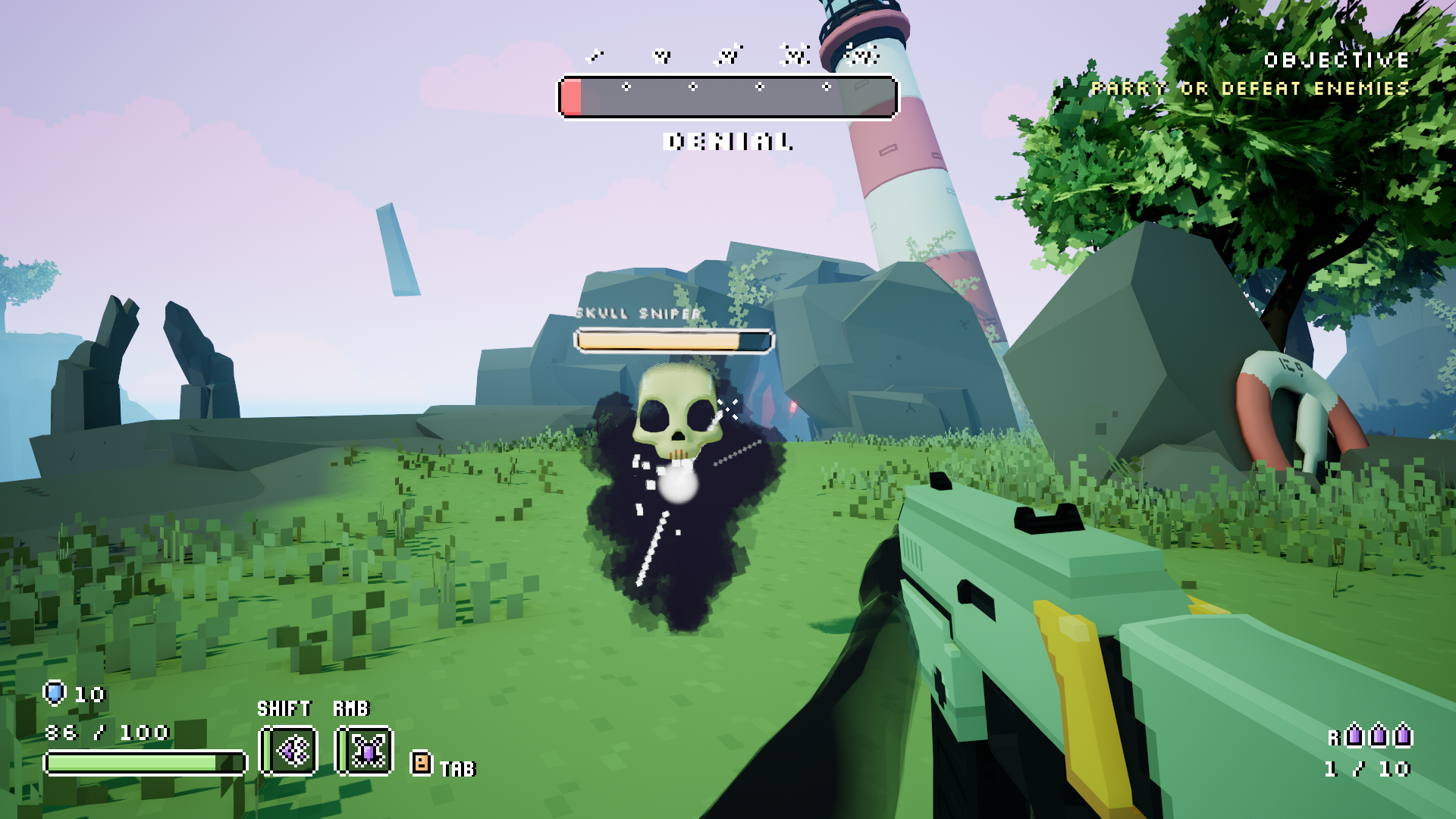
Enemies display a dynamic healthbar with feedback for taking damage. Titles help the player distinguish between different types of enemies.
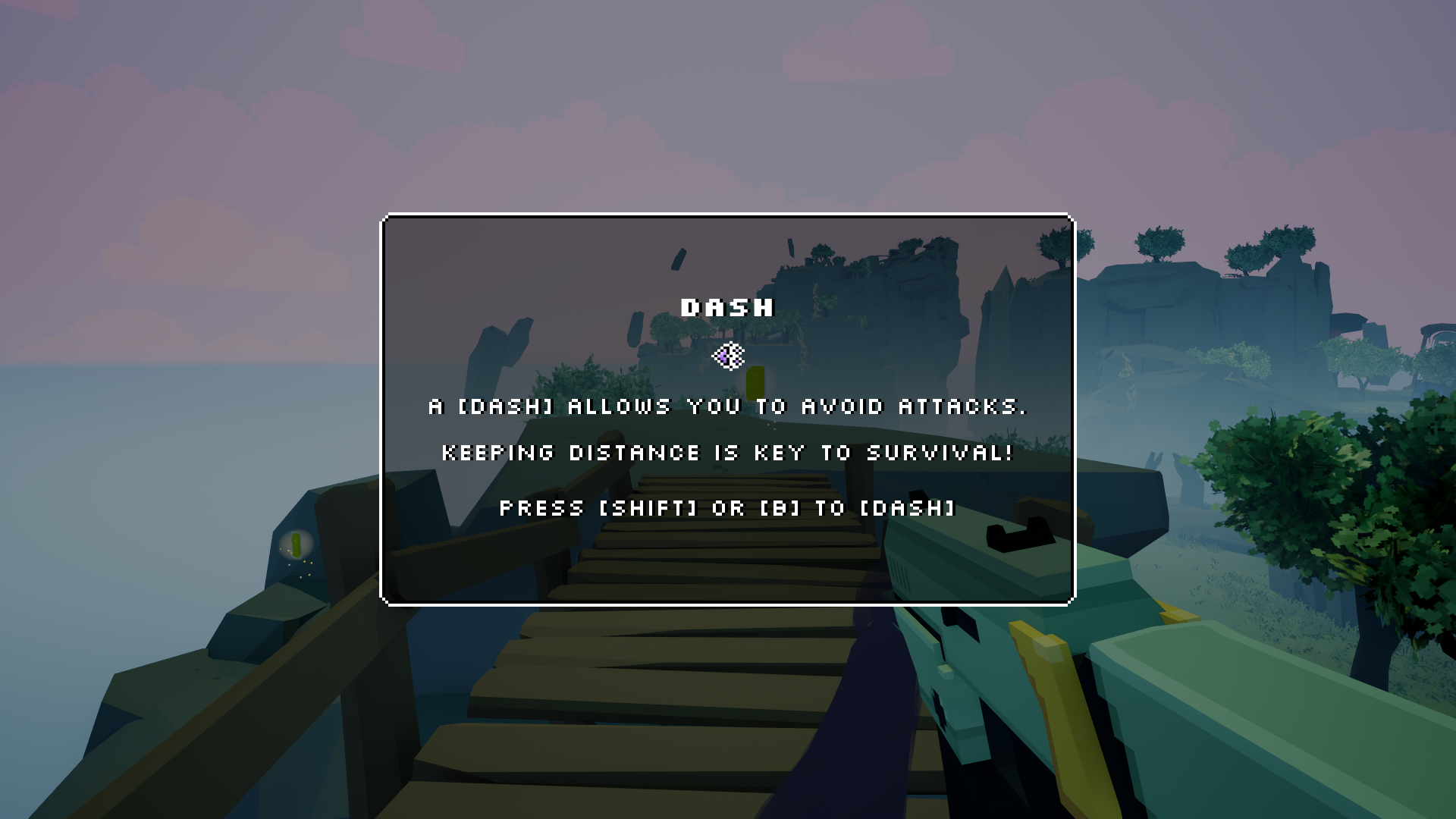
Tutorials are displayed to introduce mechanics, with brief instructions, controls and their corresponding icon.
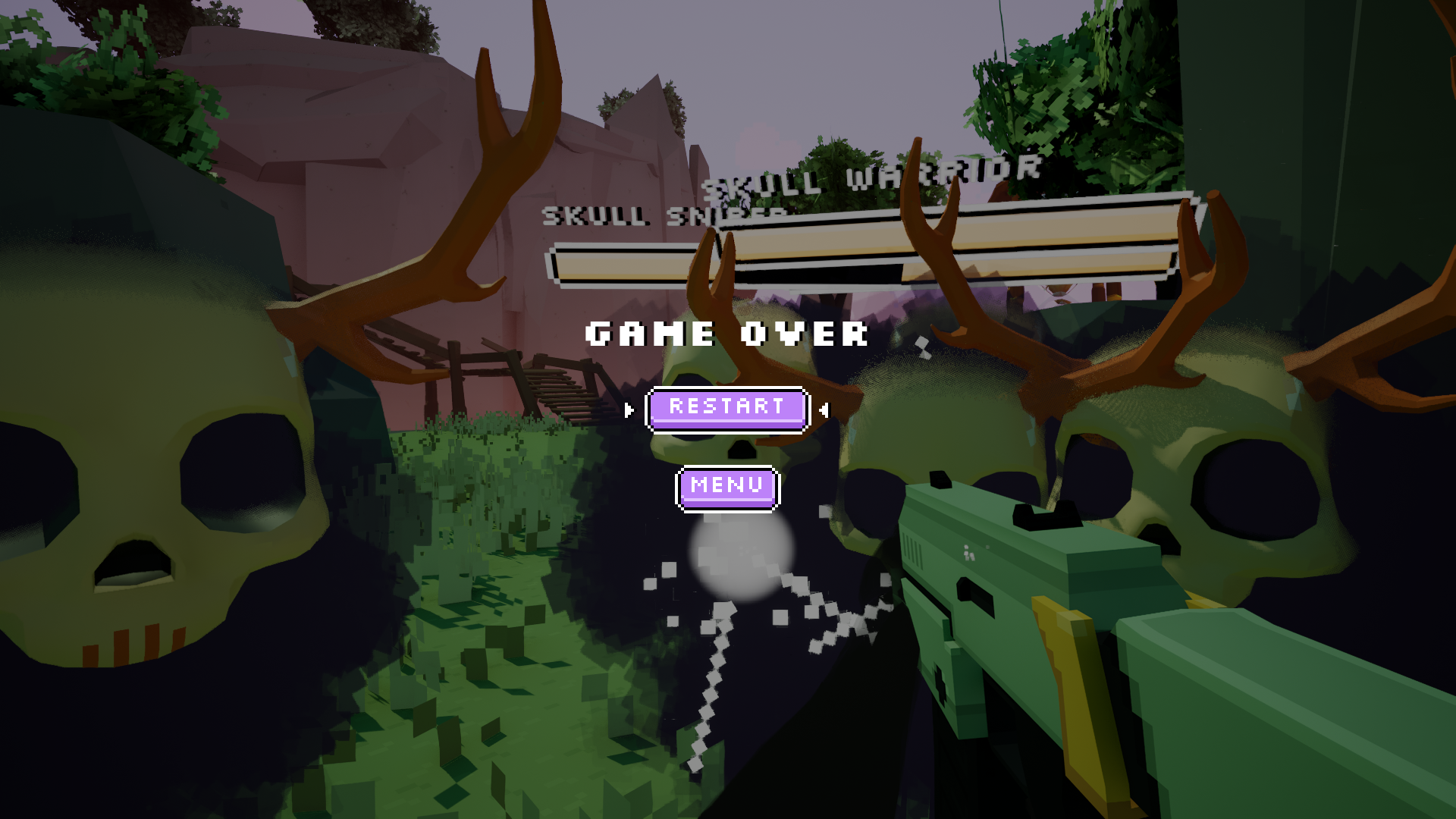
Whenever the player dies, they are given the option to restart or return to the main menu.
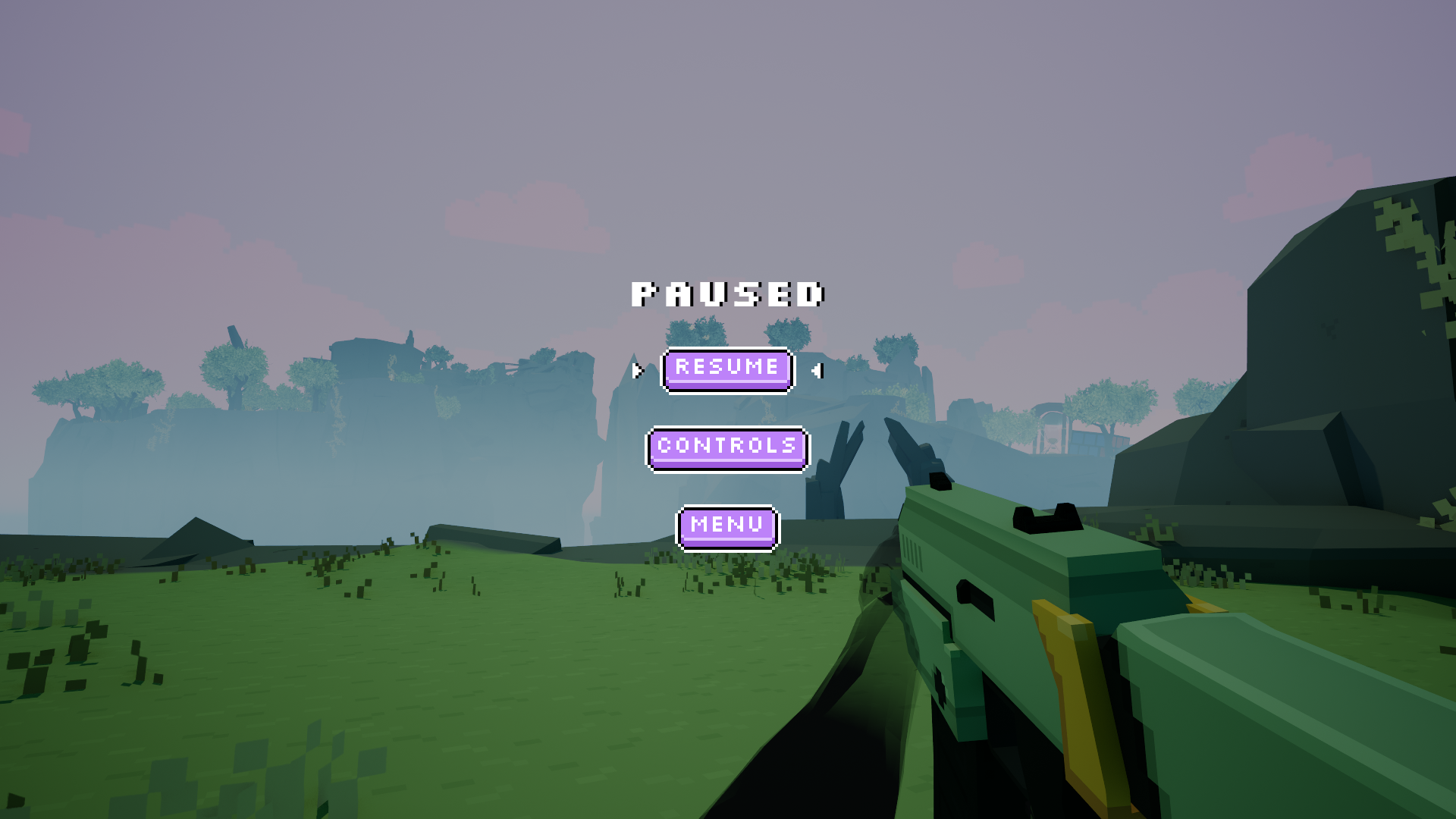
When paused the player can find a control scheme, resume the game or return to the main menu.